
Rugged Tablet Offline Data Collection: Storage, Sync and Field Reliability

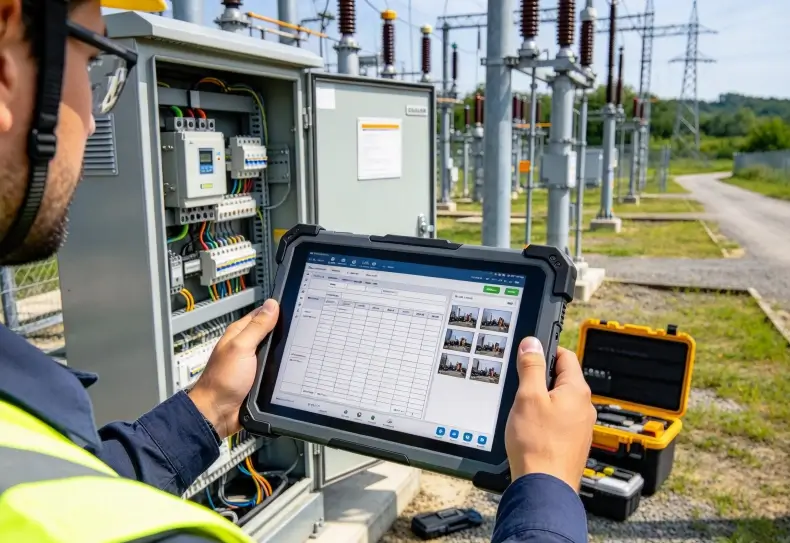
Rugged tablet offline data collection allows field technicians to record inspections, measurements, photographs, and work orders without a continuous internet connection. A properly designed offline workflow stores records locally, queues pending changes, and synchronizes them with the central system when connectivity returns. This approach helps maintain operational continuity in remote industrial sites, warehouses, construction projects, and infrastructure facilities.
However, offline capability is not determined by tablet hardware alone. The application, local storage architecture, synchronization logic, and network recovery process must work together.
A rugged tablet may have sufficient storage and wireless connectivity, but it can still lose operational data if its application cannot preserve unfinished transactions or resolve synchronization conflicts.
How Does Offline Data Collection Work on a Rugged Tablet?
Offline data collection allows an application to continue performing selected tasks when Wi-Fi or cellular connectivity is unavailable.
Instead of sending every operation directly to a remote server, the application stores information on the device first. Pending records are uploaded when a suitable network connection becomes available.
A typical workflow contains five stages:
- Download required work orders, asset records, or inspection forms.
- Store relevant information in local device storage.
- Allow technicians to record data without internet access.
- Queue completed records for synchronization.
- Upload pending changes and confirm successful server processing.
Android Developers describes this approach as offline-first application architecture. Its guidance recommends using a local data source for critical application operations rather than making every screen dependent on network availability.
For industrial applications, this means technicians can continue recording information even when working inside remote facilities or areas with unreliable wireless coverage.
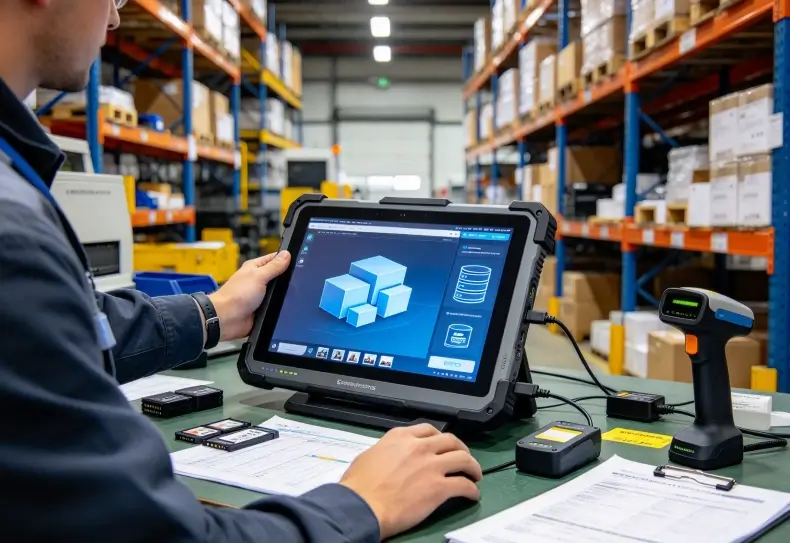
What Data Should Be Stored Locally?
The amount and type of local data depend on the application.
A field inspection application may require equipment information, maintenance instructions, inspection forms, and photographs.
A warehouse application may need product identifiers, storage locations, picking instructions, and transaction records.
| Data Type | Local Storage Purpose | Synchronization Requirement |
|---|---|---|
| Work orders | Allow technicians to access assigned tasks | Update task status |
| Inspection records | Preserve measurements and observations | Upload completed records |
| Photographs | Document equipment conditions | Transfer image files |
| Barcode data | Record scanned asset identifiers | Associate scans with inventory records |
| User information | Support authorized offline access | Refresh permissions and account status |
| Equipment manuals | Provide technical references | Update documents when versions change |
Not every application should download its entire database to the tablet.
Local storage should contain the information needed for assigned tasks, while sensitive records should remain subject to appropriate access controls and retention policies.
Local Storage: Capacity, Database Design and Data Protection
Local storage is the foundation of reliable offline operation.
A tablet must preserve application records when the device loses connectivity, restarts, or temporarily shuts down.
The storage architecture should therefore prioritize data integrity rather than simply maximizing available capacity.
Internal Storage vs. External Storage
Internal storage is generally preferable for important application records because the application can manage access and persistence more consistently.
External storage may be useful for large media files, depending on the device and application architecture.
However, removable storage introduces additional considerations, including physical loss, removal during writing, and access permissions.
| Storage Option | Advantages | Considerations |
|---|---|---|
| Internal storage | Controlled application access and persistent local records | Limited by device capacity |
| External storage | Additional space for selected files | Removal, security, and compatibility risks |
| Local database | Structured records and transaction management | Requires database maintenance |
| File-based storage | Suitable for photographs and documents | Requires file integrity and indexing controls |
For structured inspection records, Android applications commonly use Room, which provides an abstraction layer over SQLite.
DataStore can manage smaller application settings and preferences.
Large photographs and technical documents are generally better handled as files with database references rather than storing every file directly inside database records.
How Much Storage Does an Offline Application Need?
Storage requirements depend on the number of records, image sizes, document downloads, and synchronization backlog.
Consider a field service application storing:
- 500 inspection records.
- 3 photographs per inspection.
- An average photograph size of 2MB.
The photographs alone require approximately 3GB of storage.
This excludes database files, cached documents, application data, and temporary upload files.
Actual storage requirements should include additional working space for incomplete synchronization and temporary files.
A deployment test should reproduce the expected workload rather than calculate capacity from the application installation size alone.
Protecting Locally Stored Information
Offline records may contain customer information, equipment identifiers, inspection photographs, or operational details.
The device should protect these records even when it is outside the company network.
Recommended controls include:
- Device encryption where supported.
- Application-level access restrictions.
- Secure authentication and session expiration.
- Protected API credentials and authentication tokens.
- Appropriate backup and recovery procedures.
- Remote device management and data-wiping policies.
- Defined retention and deletion rules.
Android’s security documentation provides guidance on protecting application data and credentials.
Encryption alone does not guarantee security. Applications must also prevent unauthorized access through exported components, insecure file sharing, and poorly protected authentication tokens.
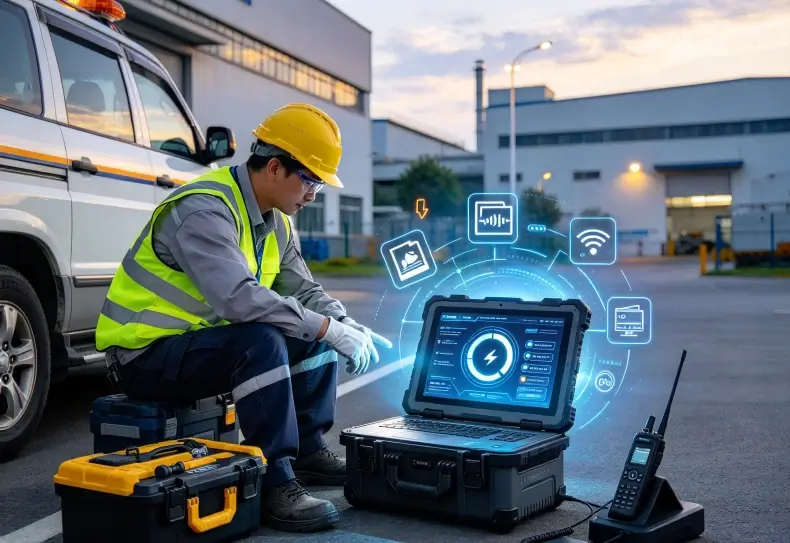
Data Synchronization: What Happens When Connectivity Returns?
Synchronization transfers locally stored changes to the central application or database.
A reliable process must handle more than uploading files. It must confirm which records were accepted, identify failures, and prevent duplicate transactions.
Queued Synchronization
When a technician completes an offline inspection, the application can save the record locally and add it to a pending synchronization queue.
Once the network becomes available, the application processes the queue.
A typical sequence is:
- Detect available network connectivity.
- Retrieve pending records from local storage.
- Upload records in the correct order where dependencies exist.
- Confirm successful server processing.
- Mark accepted records as synchronized.
- Retry temporary failures.
- Report unresolved errors to the user.
Android’s WorkManager documentation describes persistent background work that can be scheduled with network constraints.
This is useful for industrial applications because synchronization does not need to depend on the employee keeping a particular screen open.
Preventing Duplicate Data During Uploads
One common problem occurs when the server processes a request but the device loses connectivity before receiving confirmation.
The application may assume the upload failed and send the same record again.
Without duplicate protection, the server could create two inspection records or inventory transactions.
A practical solution is to assign each transaction a unique identifier.
The server should recognize repeated submissions and return the existing transaction result rather than creating another record.
This is commonly called idempotent request handling.
For critical industrial workflows, this behavior is more important than simply increasing upload retry frequency.
Handling Data Conflicts
Conflicts occur when the same record changes on multiple devices before synchronization completes.
For example, two technicians may independently update the inspection status of the same piece of equipment while offline.
When both devices reconnect, the system must determine which information should be accepted.
| Conflict Type | Example | Possible Resolution |
|---|---|---|
| Duplicate submission | Same inspection uploaded twice | Unique transaction ID |
| Concurrent updates | Two users change the same asset status | Version checking and conflict review |
| Outdated records | Device uploads an older equipment record | Server-side version validation |
| Incomplete upload | Connection fails during photograph transfer | Resume or retry file transfer |
| Permission changes | User access revoked while offline | Revalidate permissions during synchronization |
A simple last-write-wins strategy may work for some non-critical records.
However, it can overwrite important operational information if two users update the same equipment record.
For maintenance inspections, inventory adjustments, and safety-related records, explicit conflict detection and human review may be more appropriate.
Field Applications: Where Offline Collection Matters Most
Offline data collection becomes particularly valuable when network access is unpredictable or when technicians must complete work without interrupting their workflow.
Remote Equipment Inspection
Engineers inspecting substations, pipelines, utility installations, or remote machinery may not have reliable cellular coverage.
An offline-capable rugged tablet can provide assigned work orders, technical documents, and inspection forms.
Technicians can record measurements and photographs locally before uploading the completed report later.
The rugged tablet field service guide explains how mobile hardware, connectivity, and field applications should be evaluated together.
Warehouse Inventory and Material Handling
Large warehouses can contain wireless dead zones between storage aisles, loading docks, and industrial structures.
A mobile terminal should preserve scanning transactions when temporary network interruptions occur.
However, offline inventory changes need careful handling.
If two employees update the same stock quantity while disconnected, synchronization must prevent incorrect inventory totals.
For these applications, transaction queues, unique identifiers, and server-side validation are essential.
The handheld terminal Wi-Fi roaming guide discusses wireless interruptions and their effects on warehouse operations.
Outdoor Construction and Infrastructure Projects
Construction teams often work across large sites where network availability changes by location.
Offline access to drawings, work orders, inspection records, and project documents can help workers continue assigned tasks.
Large files require additional storage planning.
The application should also distinguish between documents downloaded before the shift and information that must be retrieved from the server in real time.
For broader deployment considerations, the 5G rugged tablet outdoor operations guide discusses network coverage, device configuration, and outdoor operating conditions.
Choosing Hardware and Software for Reliable Offline Work
A rugged tablet should be evaluated as part of the complete offline system.
Hardware determines available storage, processing capacity, connectivity, and battery endurance. Software determines whether data can actually be collected, protected, and synchronized without a network.
When reviewing an industrial tablet configuration, consider:
| Requirement | What to Verify |
|---|---|
| Storage | Available capacity after operating system and applications |
| Processor and memory | Ability to run the required application workload |
| Connectivity | Wi-Fi, cellular, and supported network configurations |
| Battery | Runtime during offline data capture and later synchronization |
| Camera | Photograph resolution and local storage requirements |
| GNSS | Location recording requirements for field inspections |
| Operating system | Compatibility with the required offline application |
| Device management | Remote configuration, security, and recovery support |
The industrial rugged tablet category provides a starting point for reviewing available mobile computing configurations.
For hardware selection, Uralsmart’s OEM rugged tablet engineering guide also discusses operating systems, storage, connectivity, and industrial hardware integration.
One important distinction remains: a rugged tablet does not automatically support offline data collection simply because it has internal storage.
The application must explicitly implement local data persistence and synchronization.
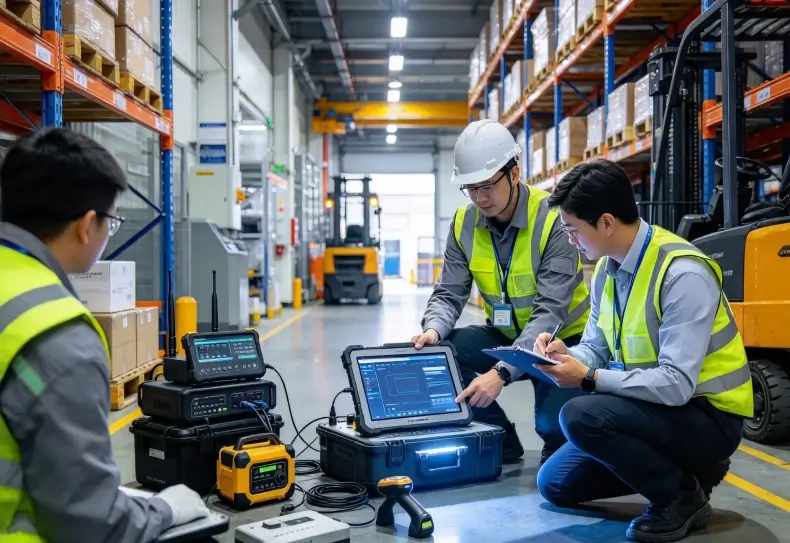
How to Test Offline Reliability Before Deployment
A useful test should reproduce network interruptions and normal employee activity.
Do not test only whether the application opens without internet access.
Use this validation sequence:
- Download the required work orders and reference data.
- Disconnect Wi-Fi and cellular connections.
- Complete several inspection or inventory transactions.
- Capture photographs and barcode records.
- Restart the application and verify that records remain available.
- Restart the device and check local data persistence.
- Restore connectivity and observe synchronization.
- Interrupt an upload to test retry behavior.
- Submit duplicate requests to verify server-side protection.
- Check that final records match the original field entries.
Monitor storage usage, synchronization duration, failed uploads, duplicate records, and battery consumption.
A pilot involving actual field technicians is useful because it reveals problems that laboratory connectivity tests may miss.
Conclusion
Reliable rugged tablet offline data collection depends on three connected capabilities: persistent local storage, controlled synchronization, and reliable application recovery.
A device must preserve field records without internet access, while its software must safely transfer those records when connectivity returns.
Storage capacity, encryption, transaction identifiers, conflict resolution, and background synchronization all influence the final result.
For industrial teams, the best solution is not simply a tablet with more storage. It is a complete mobile workflow that protects information and allows employees to continue working when network access is unavailable.
FAQ
Can a rugged tablet collect data without internet access?
Yes, if the installed application supports offline operation. It must store records locally and provide a synchronization process for uploading changes later.
Where is offline data stored on an Android rugged tablet?
Applications commonly use internal persistent storage, SQLite databases through Room, DataStore for settings, and files for photographs or documents. The storage architecture depends on the application.
What happens when two users edit the same record offline?
The synchronization system must identify the conflicting changes and apply an appropriate resolution policy. Critical records may require manual review rather than automatically accepting the latest update.
How can a rugged tablet prevent data loss during synchronization?
Use persistent local records, unique transaction identifiers, upload confirmation, retry handling, and server-side duplicate protection. Test interrupted uploads and device restarts.
Does offline data collection require a special rugged tablet?
Not necessarily. Most requirements are application-related, but sufficient storage, battery capacity, operating system compatibility, and reliable hardware are important for the intended workload.
Reference Sources
1. Android Developers — Build an Offline-First App
Android Offline-First Architecture
2. Android Developers — WorkManager
Android WorkManager
3. Android Developers — Security Best Practices
Android Application Security