
Warehouse Handheld Terminal WMS Integration: APIs, Scanning and Data Synchronization

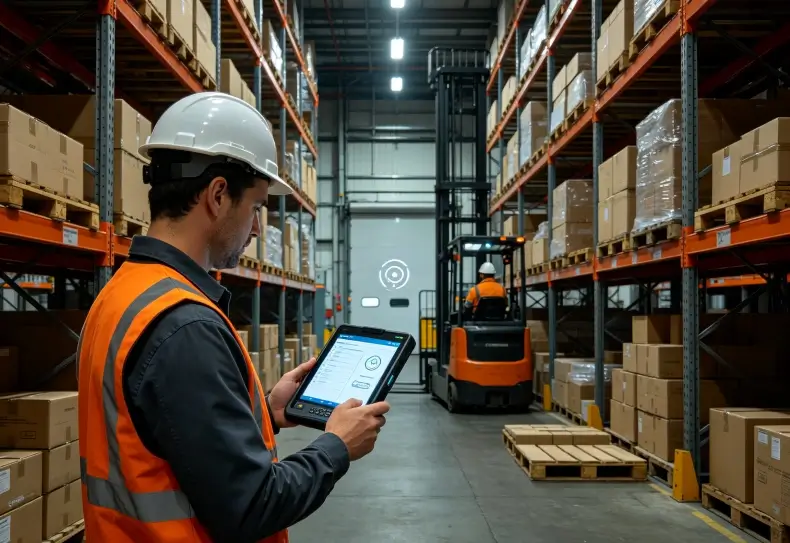
Warehouse handheld terminal WMS integration connects mobile data-capture devices with a warehouse management system (WMS) so employees can scan products, update inventory, confirm picking tasks, and synchronize transactions. A reliable integration requires compatible scanning hardware, a clearly defined API or communication interface, consistent data formats, and error-handling mechanisms. The objective is to ensure that every completed warehouse operation is accurately reflected in the central inventory system.
A handheld terminal does not automatically update warehouse inventory when it reads a barcode. The scanning application must interpret the captured data, validate the transaction, communicate with the WMS, and confirm the result.
Understanding these steps helps warehouse operators avoid duplicate inventory records, incomplete transactions, and delays caused by disconnected systems.
How Does a Handheld Terminal Connect to a WMS?
A warehouse handheld terminal acts as the mobile interface between warehouse employees and the WMS.
The terminal captures information through its barcode scanner, touchscreen, or RFID reader. The application processes that information and communicates with the WMS through an API, middleware platform, or another supported integration method.
A typical architecture looks like this:
Barcode Scanner → Handheld Application → API or Middleware → WMS Database → Transaction Confirmation
Each component has a different responsibility.
| Component | Main Responsibility |
|---|---|
| Barcode scanner | Captures product, carton, pallet, or location identifiers |
| Handheld application | Validates input and manages user interactions |
| API | Exchanges structured data between applications |
| Middleware | Handles message transformation and integration logic where required |
| WMS | Processes inventory and warehouse transactions |
| Database | Stores the resulting operational records |
For example, when an employee receives a pallet, the terminal captures its barcode and sends the identifier to the WMS.
The WMS checks the purchase order, expected quantity, and receiving status. It then returns the relevant information to the terminal.
Only after the business transaction is successfully processed should the application display the corresponding confirmation.
This distinction between barcode capture and transaction completion is essential for accurate warehouse records.
API Integration: REST, Webhooks and Data Formats
APIs provide a structured way for handheld applications to communicate with warehouse software.
The appropriate integration method depends on the WMS architecture, transaction requirements, network environment, and available development resources.
REST APIs for Warehouse Transactions
REST APIs are commonly used for communication between mobile applications and backend systems.
A handheld application can send an HTTP request containing a product identifier, location, quantity, and transaction details.
For example, a simplified inventory request might contain:
{
  "transaction_type": "inventory_receipt",
  "purchase_order": "PO-2026-0158",
  "product_code": "ITEM-00125",
  "location_code": "A-03-02",
  "quantity": 24,
  "device_id": "WH-TERM-008"
}
This is an illustrative payload, not a universal WMS specification.
The receiving API should validate the request, apply the relevant business rules, and return a clear response.
A successful HTTP response does not always mean that every warehouse operation has been completed correctly. The application should also interpret the business-level result returned by the WMS.
Webhooks and Event-Based Integration
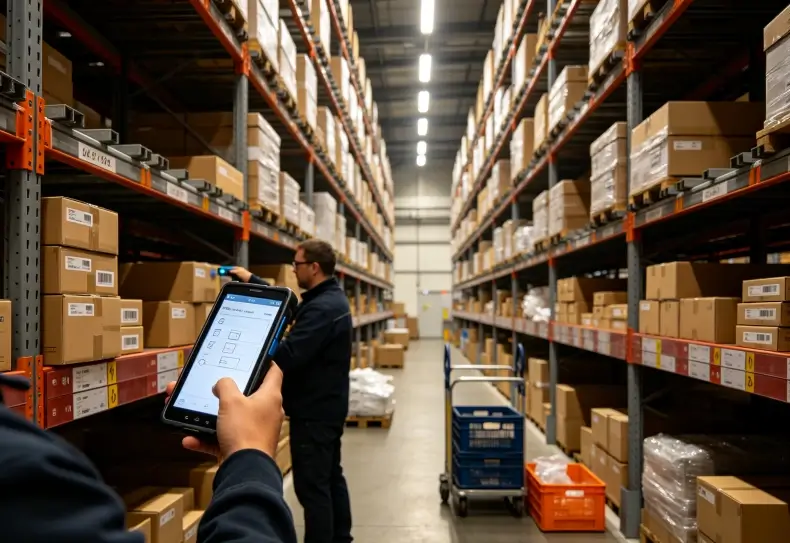
Some warehouse systems support webhooks that notify external applications when particular events occur.
Examples include:
- A purchase order being released.
- An inventory adjustment being approved.
- A picking task being assigned.
- A shipment being dispatched.
- An asset changing its assigned location.
Webhooks are useful when an external system needs to receive updates without repeatedly requesting the same information.
However, they should not replace transaction-level validation. Notifications can be delayed, repeated, or delivered out of order.
Applications should use event identifiers, timestamps, and appropriate processing rules to maintain consistency.
JSON and Data Mapping
JSON is commonly used to exchange structured information between mobile applications and backend services.
The integration must define how each field corresponds to the WMS database.
| Handheld Field | WMS Field | Purpose |
|---|---|---|
| Product barcode | Item ID or SKU | Identifies the product |
| Location barcode | Warehouse location | Identifies the storage position |
| Quantity | Inventory quantity | Records the received or moved amount |
| Operator ID | User account | Identifies the employee |
| Device ID | Device record | Identifies the terminal |
| Transaction ID | Transaction reference | Prevents duplicate processing |
| Timestamp | Transaction time | Supports auditing and synchronization |
Data mapping should also account for units of measure, lot numbers, serial numbers, expiration dates, and warehouse-specific identifiers.
A carton quantity and an individual item quantity must not be treated as equivalent.
For businesses handling serialized products or regulated inventory, these distinctions can directly affect traceability.
Barcode Scanning and WMS Transaction Accuracy
Barcode scanning is often the first interaction between the warehouse terminal and the WMS.
The scanner captures an identifier, but the application determines what that identifier means within the current transaction.
Receiving and Putaway
During receiving, an employee scans a carton or pallet label.
The application retrieves the expected purchase order and checks whether the scanned product matches the receiving record.
The worker then enters or confirms the quantity and selects the destination location.
A reliable receiving workflow should validate:
- Product identification.
- Purchase order reference.
- Expected and received quantities.
- Lot or serial number requirements.
- Storage location.
- Receiving status.
Once accepted, the WMS updates the inventory record and returns a transaction confirmation.
Picking and Packing
Picking involves more than scanning the correct product.
The WMS must also verify that the product belongs to the assigned order and storage location.
A typical picking transaction includes:
- Retrieve the assigned picking task.
- Scan the storage location.
- Scan the product identifier.
- Confirm the requested quantity.
- Validate the item against the order.
- Record the completed picking transaction.
- Update the task status.
This workflow reduces the risk of picking from the wrong shelf or recording an incorrect quantity.
For additional context on hardware selection, the handheld barcode scanner vs. mobile computer guide explains the differences between dedicated scanning devices and integrated mobile computers.
Barcode Scanner Compatibility
Not every handheld terminal exposes barcode data in the same way.
Common integration methods include:
- Keyboard emulation.
- Broadcast intents.
- Manufacturer-provided scanning SDKs.
- Application-specific scanner services.
The selected method must match the WMS application’s input architecture.
Test rapid scanning, damaged labels, duplicate scans, input focus, and trigger behavior before deploying devices across the warehouse.
A successful barcode read should never be treated as proof that the corresponding WMS transaction has been committed.
Data Synchronization and Offline Warehouse Operations
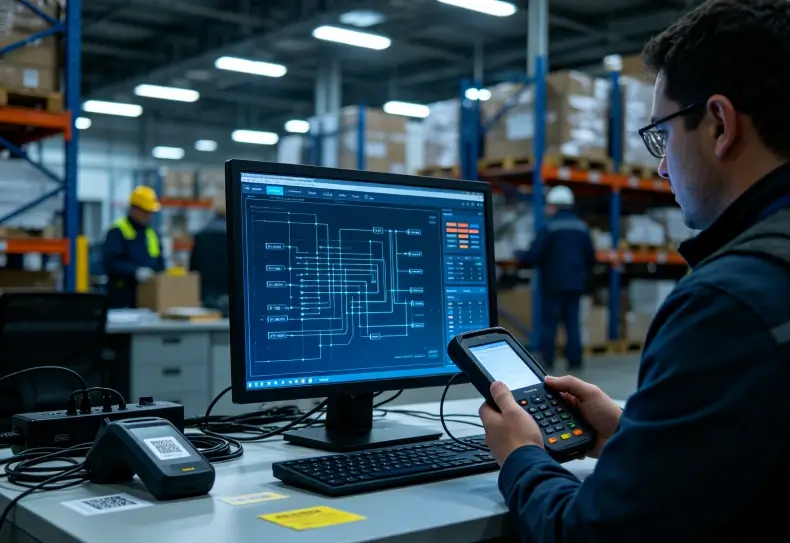
Warehouse wireless networks are not always reliable.
Metal shelving, dense inventory, loading areas, and movement between access points can create temporary connection interruptions.
A handheld application should therefore distinguish between a captured transaction, a locally stored transaction, and a transaction confirmed by the WMS.
These are three different states.
Online and Offline Transaction Handling
| Transaction State | Meaning | Expected Application Behavior |
|---|---|---|
| Captured | Barcode or user input has been recorded | Validate the information |
| Locally saved | Data is stored on the terminal | Preserve it until synchronization |
| Pending | Server confirmation is unavailable | Queue the transaction |
| Submitted | Request has been sent | Wait for backend response |
| Confirmed | WMS has accepted the transaction | Update the local status |
| Failed | Backend rejected or could not process the request | Display the reason and allow recovery |
Android’s official offline-first application architecture recommends maintaining a local data source alongside network data sources.
This allows applications to remain usable during temporary network interruptions.
For warehouse terminals, local storage can preserve picking records, inspection results, and inventory transactions until synchronization becomes available.
Prevent Duplicate Inventory Transactions
Duplicate submissions are a common integration risk.
Imagine a worker submitting a receiving transaction while Wi-Fi disconnects. The WMS processes the request, but the terminal never receives its confirmation.
If the application immediately sends the same request again, the backend may create a duplicate record.
A practical solution is to assign each transaction a unique identifier.
The backend should recognize previously processed identifiers and return the original result instead of repeating the operation.
This is known as idempotent request handling.
For inventory adjustments, shipping confirmations, and other important transactions, this control is more reliable than simply increasing the number of retries.
Handling Conflicting Updates
Conflicts occur when multiple devices modify the same inventory record before synchronization completes.
For example, two employees may count the same storage location independently while disconnected.
If both updates are accepted without reconciliation, the resulting stock quantity may be incorrect.
A WMS integration should define:
- Which system owns the authoritative inventory record.
- How concurrent updates are detected.
- Whether transactions are additive or replace existing values.
- When manual review is required.
- How failed synchronization is reported.
Last-write-wins may be suitable for some non-critical fields, but it is not automatically appropriate for inventory quantities.
Warehouse transactions often require server-side validation and explicit business rules.
Choosing Handheld Hardware for WMS Integration
The terminal must support the communication interfaces, scanning functions, and application environment required by the WMS.
Processing performance alone does not determine integration suitability.
Important hardware and software considerations include:
| Requirement | What to Verify |
|---|---|
| Operating system | Compatibility with the WMS application |
| Barcode scanning | Required 1D and 2D symbologies |
| Wireless connectivity | Wi-Fi bands and enterprise authentication |
| Processing performance | Responsiveness during scanning and data processing |
| Memory and storage | Application requirements and offline transaction capacity |
| Battery | Runtime during normal warehouse shifts |
| Device management | MDM enrollment and application deployment |
| SDK availability | Scanner integration and hardware control |
| Durability | Drop protection and ingress protection |
For example, Uralsmart’s RS53 handheld terminal is part of the company’s mobile computing range and can be evaluated for warehouse application requirements.
The R366-S handheld terminal provides another device option for mobile data collection.
These products should be checked against the specific WMS application, scanner configuration, Android version, and network requirements before deployment. Hardware compatibility alone does not establish that a device is ready for a particular WMS integration.
The broader rugged handheld terminal warehouse selection guide explains how scanning performance, ergonomics, battery life, and warehouse conditions affect device selection.
How to Test a Warehouse WMS Integration
A successful integration test should cover the complete warehouse transaction rather than just confirming that an API endpoint responds.
A practical validation process includes:
- Connect the terminal to the test WMS environment.
- Authenticate using the intended employee account.
- Retrieve a purchase order or picking task.
- Scan actual product and location labels.
- Submit the transaction through the mobile application.
- Verify the result in the WMS database.
- Disconnect the network and complete an offline task.
- Restore connectivity and test synchronization.
- Simulate a duplicate request.
- Confirm that errors can be recovered without corrupting inventory records.
During testing, record API response times, failed requests, duplicate submissions, scanning errors, and synchronization delays.
Also verify that the application provides understandable error messages. Employees should know whether a transaction was saved locally, submitted to the server, or fully confirmed.
For wireless-related issues, the warehouse handheld terminal Wi-Fi roaming guide explains how access-point transitions and connection interruptions can affect mobile operations.
Conclusion
Warehouse handheld terminal WMS integration connects barcode capture, mobile applications, APIs, and inventory databases into one operational workflow.
Reliable integration requires more than successful data transmission. The application must validate scanned information, preserve transactions during network interruptions, prevent duplicate submissions, and handle conflicting updates.
The most effective approach is to test receiving, picking, inventory adjustments, and offline synchronization using actual warehouse procedures.
When hardware, software, and backend systems are designed to work together, handheld terminals can provide more consistent inventory records and reduce avoidable manual processing.
FAQ
How does a warehouse handheld terminal connect to a WMS?
It usually connects through a mobile application using REST APIs, middleware, or another supported integration interface. The application sends scanned identifiers and transaction details to the WMS and receives processing results.
What API is commonly used for WMS integration?
REST APIs using HTTP and JSON are common approaches. However, the available interface depends on the WMS platform and its integration architecture.
Can a handheld terminal update inventory without Wi-Fi?
Yes, if the application supports offline data storage and queued synchronization. The terminal stores pending transactions locally and uploads them when connectivity returns.
How can WMS integration prevent duplicate barcode transactions?
Assign each transaction a unique identifier and implement idempotent processing on the server. Repeated requests should return the existing transaction result rather than creating additional inventory records.
What should be tested before deploying handheld WMS terminals?
Test barcode compatibility, authentication, API communication, inventory validation, Wi-Fi roaming, offline storage, synchronization, and duplicate transaction handling using actual warehouse workflows.
Reference Sources
1. Android Developers — Build an Offline-First App
Android Offline-First Architecture
2. Android Developers — WorkManager
Android WorkManager
3. GS1 — EPCIS and CBV Standards
GS1 EPCIS
4. GS1 — General Specifications
GS1 Barcode Standards