
Handheld Printing Terminals for Logistics: Proof of Delivery and Mobile Documentation

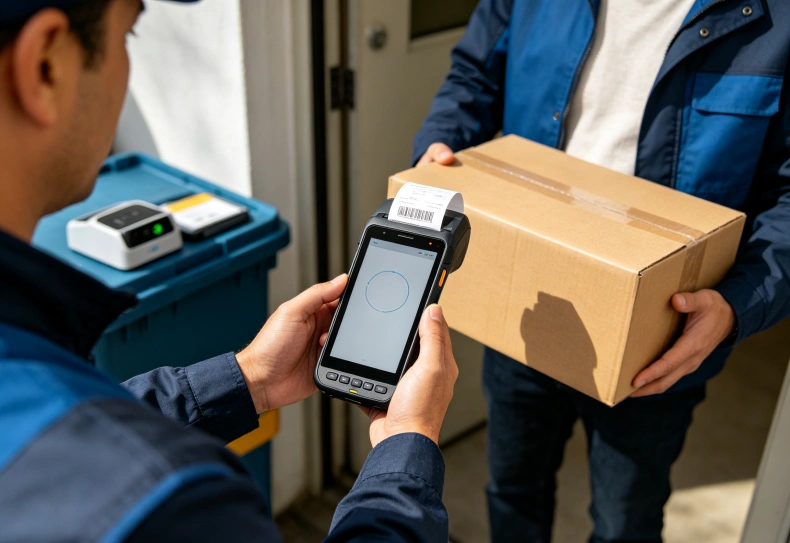
A handheld printing terminal for logistics combines mobile data collection with on-site document printing, allowing delivery personnel to record transactions and issue physical proof of delivery (POD) at the customer’s location. By integrating barcode scanning, mobile applications, wireless connectivity, and thermal printing, these devices help drivers complete delivery confirmation without returning to a vehicle or separate workstation.
For logistics companies, the main benefit is connecting physical delivery activities with digital records. Drivers can verify shipments, record received quantities, capture customer acknowledgements, and print receipts during the same transaction.
However, an effective deployment requires more than a built-in printer. The terminal must integrate with delivery management software, handle failed print jobs, preserve transaction records, and operate reliably throughout a working route.
How Does a Handheld Printing Terminal Support Proof of Delivery?
Proof of delivery is a record confirming that goods have reached their intended recipient. Depending on the logistics operation, it may include delivery details, item quantities, timestamps, recipient information, and evidence of acceptance.
A handheld printing terminal supports this process by combining transaction recording and document generation.
A typical delivery workflow involves:
- Retrieve the assigned delivery order.
- Scan the shipment or package barcode.
- Verify the order and delivered quantities.
- Record shortages, damaged items, or rejected goods.
- Capture the recipient’s acknowledgement.
- Submit the delivery transaction to the backend system.
- Print a customer receipt or delivery confirmation.
The printed document provides a physical record, while the digital transaction supports centralized tracking and reporting.
These records should remain consistent. A successful print operation does not necessarily mean the delivery transaction has been accepted by the backend system.
For this reason, the application should distinguish between a completed delivery, a saved local record, a confirmed server transaction, and a successfully printed receipt.
What Information Should a Delivery Receipt Contain?
A useful delivery receipt should contain enough information to identify the shipment and confirm the transaction.
| Information | Operational Purpose |
|---|---|
| Delivery reference | Identifies the delivery transaction |
| Customer name | Identifies the receiving party |
| Order or invoice number | Connects delivery to the original order |
| Product description | Identifies delivered goods |
| Quantity delivered | Records the actual received quantity |
| Delivery timestamp | Establishes when delivery occurred |
| Recipient acknowledgement | Records acceptance |
| Exception details | Documents shortages or damaged goods |
| Driver or operator ID | Supports accountability |
The exact receipt format depends on company procedures and customer requirements.
For business-critical deliveries, the printed receipt should correspond to the digital transaction stored in the logistics management system.
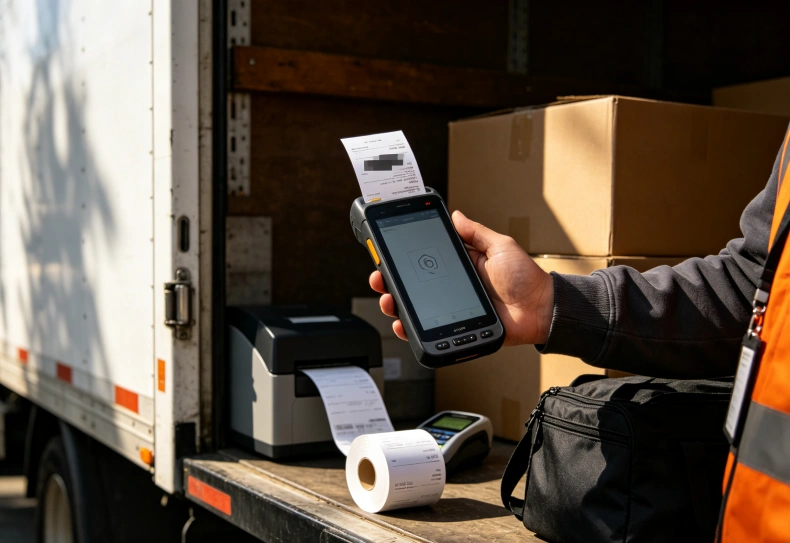
Where Mobile Printing Improves Logistics Operations
The value of an integrated printing terminal depends on how frequently employees need physical documentation and where transactions take place.
Last-Mile Delivery and Customer Sign-Off
Last-mile delivery often involves multiple stops, different receiving conditions, and customers who require immediate confirmation.
A driver may deliver several cartons, scan their identifiers, confirm the received quantities, and print a receipt before leaving the location.
This avoids carrying separate printing equipment for routine delivery documentation.
When customers report missing or damaged items, the driver can record the exception against the delivery transaction rather than relying on handwritten notes.
The application should also support digital signatures or another approved acknowledgement method when the delivery process requires it.
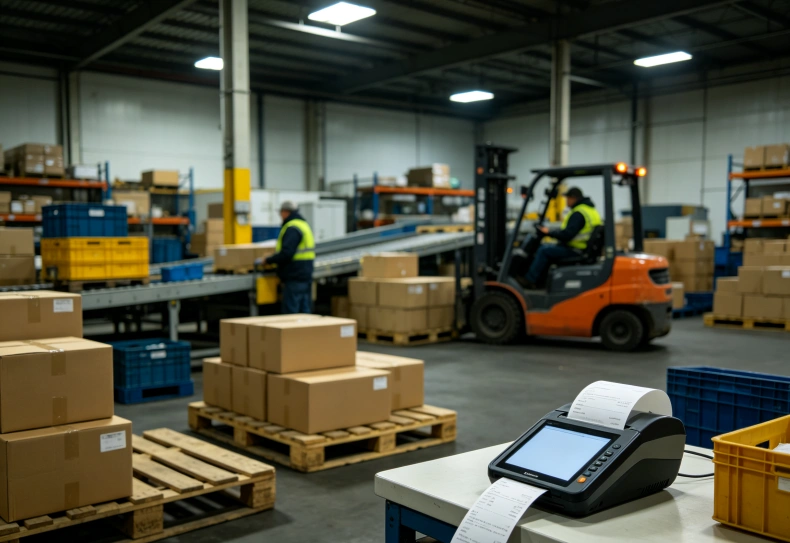
Distribution Centers and Cross-Docking
Distribution centers handle frequent transfers between vehicles, staging areas, and receiving departments.
Mobile printing can support:
- Shipment transfer receipts.
- Loading confirmation documents.
- Receiving acknowledgements.
- Package identification records.
- Exception and discrepancy reports.
For cross-docking operations, documents should identify the relevant shipment and destination clearly.
A barcode on the printed document can also help receiving personnel retrieve the corresponding digital record.
The warehouse handheld terminal selection guide explains how scanning, battery performance, and WMS compatibility affect warehouse operations.
Route Sales and Cash-on-Delivery Transactions
Route sales representatives may need to record orders, confirm quantities, collect payment, and issue customer receipts during one visit.
A handheld printing terminal can combine these activities within a single application workflow.
For cash-on-delivery operations, the software should connect the payment status to the transaction record before generating the appropriate receipt.
Printing should not independently change an order’s payment or delivery status.
That decision belongs to the business application and its transaction rules.
Integrated Thermal Printing vs. Separate Mobile Printers
Logistics companies can use terminals with built-in printers or pair conventional mobile computers with separate Bluetooth printers.
The right arrangement depends on delivery volume, document format, equipment handling, and maintenance requirements.
| Evaluation Factor | Integrated Printing Terminal | Separate Mobile Printer |
|---|---|---|
| Equipment handling | One combined device | Two devices or accessories |
| Setup | Printing hardware is integrated | Requires pairing or connection |
| Portability | Compact workflow, but potentially heavier terminal | More flexible equipment arrangement |
| Media options | Limited by integrated printer mechanism | Depends on printer configuration |
| Maintenance | Printer repair may affect the complete terminal | Printer can often be replaced separately |
| Battery management | Integrated or shared power arrangement | Separate printer battery |
| Suitable workflow | Frequent short receipts and tickets | Specialized labels or varied printing formats |
For delivery personnel printing short customer receipts throughout a shift, an integrated device may simplify daily handling.
For logistics operations requiring wider shipping labels or different paper formats, a separate mobile printer may provide greater flexibility.
A company should compare the total workflow rather than assuming that combining hardware always improves productivity.
Evaluating the Uralsmart R860-S for Logistics Printing
Uralsmart lists the R860-S as a thermal-printing handheld terminal designed for labels, tickets, receipts, and dispatch workflows.
Its published product specifications provide a concrete example of the hardware considerations involved in logistics deployment.
| Specification | R860-S Published Configuration |
|---|---|
| Operating system | Android 13 |
| Display | 5.5-inch IPS HD+ |
| Resolution | 720 × 1440 |
| Processor | Qualcomm SM6225 octa-core, 2.4GHz |
| RAM and storage | 4GB + 64GB |
| Battery | 3.8V, 5600mAh, detachable |
| Printing technology | Thermal printing |
| Paper dimensions | 57mm width, 30mm roll diameter |
| Printing speed | Up to 70mm/s |
| Printing functions | Label and receipt printing |
| Barcode scanning | Optional 2D scanning engine |
| Wireless connectivity | Dual-band Wi-Fi and Bluetooth 5.1 |
| Cellular connectivity | Regional configurations available |
| Operating temperature | -10°C to 50°C |
These specifications are published on the Uralsmart R860-S thermal-printing handheld terminal product page.
Why These Specifications Matter for Delivery Operations
The 5.5-inch display provides space for viewing delivery information, entering quantities, and checking transaction details.
The detachable battery can help with battery replacement planning when the device is used throughout long delivery shifts.
Its 70mm/s printing speed provides a reference for receipt generation, although actual output time depends on document length, print density, and application processing.
The 57mm paper width is suited to compact receipts and supported labels.
Companies requiring wider shipping labels should verify whether the available printing format meets their documentation requirements.
The optional 2D scanning engine also deserves attention. Buyers should confirm the exact scanning configuration and supported barcode symbologies before deploying the terminal for shipment verification.
The R860-S should be evaluated against actual delivery software and customer receipt formats rather than selected from hardware specifications alone.
Software Integration: Connecting POD Records with Logistics Systems
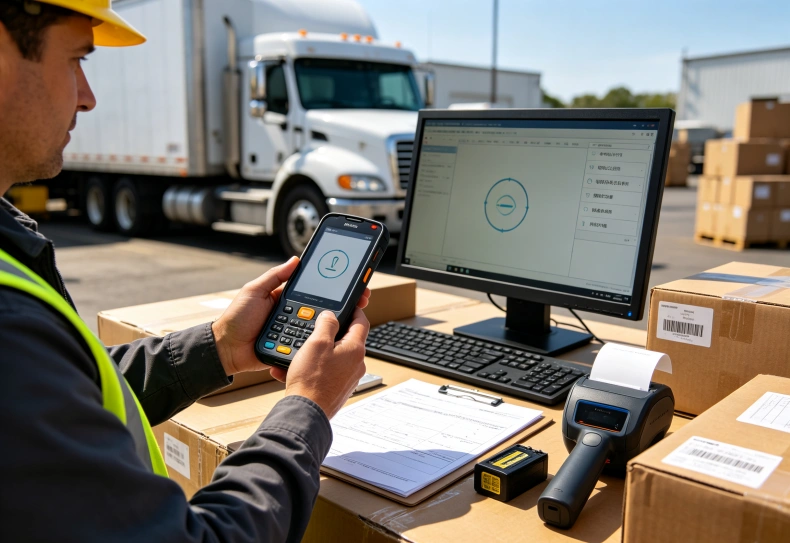
A mobile printing terminal becomes more useful when its application communicates with the company’s delivery management system.
The software should retrieve assigned orders, process scanned shipment identifiers, update delivery status, and generate receipts from confirmed transaction data.
Connecting to TMS, WMS, and ERP Platforms
Different logistics systems manage different parts of the operation.
| System | Typical Responsibility | Handheld Terminal Interaction |
|---|---|---|
| TMS | Transport planning and delivery execution | Retrieves delivery assignments and updates delivery status |
| WMS | Warehouse inventory and shipment preparation | Retrieves picking and shipment information |
| ERP | Orders, invoicing, and financial records | Connects delivery transactions with business records |
| POD application | Delivery confirmation and evidence | Captures recipient acknowledgement and exceptions |
Integration may use REST APIs, middleware, or manufacturer-supported application interfaces.
The printer itself may require an SDK or command interface to control formatting, paper status, and print jobs.
The application should also handle failed printing separately from failed delivery transactions.
For example, if a delivery is successfully recorded but the printer runs out of paper, the system should allow the receipt to be reprinted without creating a second delivery transaction.
This requires a clear relationship between the transaction ID and its printed document.
For more information about mobile transaction integration, the warehouse handheld terminal WMS integration guide explains API communication, barcode processing, and data synchronization.
Offline Delivery Documentation
Drivers may encounter areas with poor cellular coverage.
The application should preserve delivery records locally when connectivity is unavailable and synchronize them after the network returns.
Important functions include:
- Local storage of completed delivery records.
- Persistent transaction identifiers.
- Queued synchronization.
- Duplicate submission prevention.
- Recovery of interrupted uploads.
- Clear synchronization status.
The printed receipt should also remain associated with the original transaction.
This prevents inconsistencies between physical documentation and the central delivery database.
What Should Logistics Companies Test Before Deployment?
A practical pilot should reproduce the complete delivery process.
Testing only whether the printer produces a receipt is insufficient.
Evaluate the following:
- Retrieve a delivery assignment from the logistics application.
- Scan representative shipment barcodes.
- Verify product descriptions and delivered quantities.
- Record a shortage or damaged package.
- Capture the recipient’s acknowledgement.
- Submit the delivery transaction.
- Print the customer receipt.
- Simulate an empty paper roll or interrupted print.
- Disconnect the network and complete an offline transaction.
- Restore connectivity and verify synchronization.
Measure transaction completion time, unsuccessful scans, printing failures, battery consumption, and duplicate records.
Also test paper replacement and device handling with actual delivery personnel.
A terminal that works well during a short office demonstration may behave differently after repeated printing and scanning across a full route.
Conclusion
A handheld printing terminal for logistics helps delivery teams connect shipment verification, customer acknowledgement, and physical documentation at the point of delivery.
Its value depends on more than printing speed. Barcode compatibility, receipt readability, battery endurance, software integration, and reliable transaction records all influence daily performance.
For companies handling frequent deliveries, an integrated terminal can simplify equipment handling and reduce unnecessary steps.
The most reliable selection process tests the complete POD workflow using real delivery applications, actual receipt formats, and representative working conditions.
FAQ
What is a handheld printing terminal used for in logistics?
It combines mobile computing and thermal printing to support delivery confirmation, customer receipts, shipment records, and mobile documentation.
Can a handheld printing terminal generate proof of delivery?
Yes, when its application supports delivery transactions and the required acknowledgement method. The device can print a receipt based on the confirmed delivery record.
What is the difference between a POD receipt and a delivery label?
A POD receipt records delivery completion and recipient acknowledgement. A delivery label identifies a shipment or package for handling and routing.
Can handheld printing terminals work without internet access?
They can support offline delivery documentation when the application stores records locally and provides synchronization after connectivity returns.
What should companies check before selecting a logistics printing terminal?
Check paper width, printing speed, barcode scanning, battery capacity, connectivity, software compatibility, document formatting, and printer maintenance requirements.
Need a Reliable Mobile Printing Solution for Your Delivery Operations?
Simplify proof of delivery, customer receipts, and on-site documentation with the Uralsmart R860-S thermal-printing handheld terminal. Explore its Android 13 platform, integrated thermal printer, optional 2D barcode scanning, and detachable battery to see how it fits your logistics workflow.
Explore the R860-S Handheld Printing Terminal
External Reference Sources
1. GS1 — Transport and Logistics Standards
GS1 Transport and Logistics
2. GS1 — EPCIS and CBV Standards
GS1 EPCIS
3. Android Developers — Offline-First Architecture
Android Offline-First Guide