
Rugged Tablet Data Security: Encryption, Device Access and Remote Management

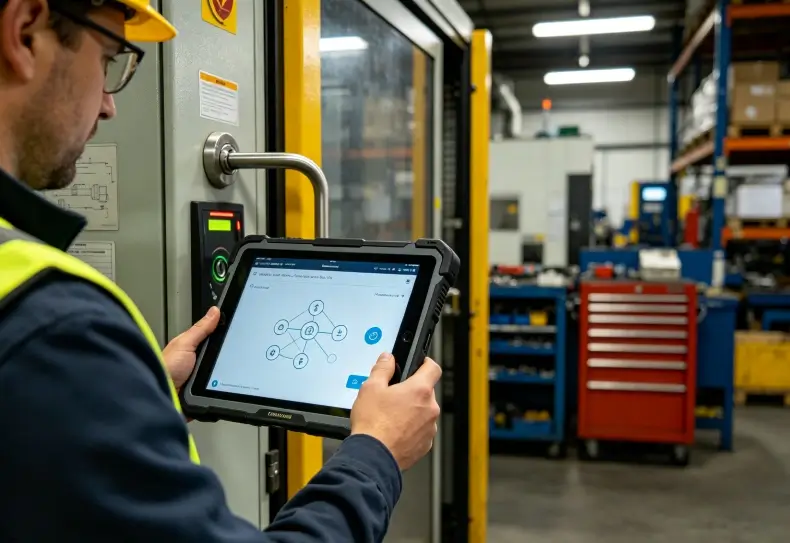
Rugged tablet data security protects business information stored, accessed, and transmitted through industrial mobile devices. An effective security strategy combines storage encryption, strong user authentication, application permissions, secure network connections, and mobile device management (MDM). For field service, manufacturing, and logistics operations, these controls help reduce risks from lost devices, unauthorized access, insecure applications, and outdated software.
A rugged enclosure protects hardware against physical damage, but it does not automatically protect the information inside.
Companies should evaluate security at three levels: the operating system and hardware, the applications employees use, and the policies administrators enforce across the device fleet.
What Makes Rugged Tablet Data Security Different?
Industrial rugged tablets often operate outside controlled office environments.
Technicians carry them between customer sites, warehouses, production facilities, and remote infrastructure locations. These devices may store equipment records, inspection photographs, maintenance instructions, customer information, and business credentials.
As a result, security controls must remain effective even when devices operate offline or employees share equipment between shifts.
Common Security Risks in Industrial Deployments
| Security Risk | Typical Situation | Recommended Control |
|---|---|---|
| Lost or stolen tablet | Technician leaves equipment at a job site | Encryption, screen lock and remote wipe |
| Unauthorized access | Shared tablet remains unlocked | User authentication and session timeout |
| Sensitive data exposure | Inspection records stored locally | Encrypted storage and controlled permissions |
| Unapproved applications | Employees install unauthorized software | Application allowlisting |
| Insecure Wi-Fi connection | Device connects to an untrusted network | TLS, certificate authentication and VPN where needed |
| Outdated software | Tablet misses security updates | Managed patching and firmware lifecycle planning |
| Device reassignment | Tablet transfers to another employee | Controlled data removal and re-enrollment |
A security policy should address the most likely risks rather than apply unnecessary restrictions to every user.
For example, a warehouse tablet used only for inventory transactions may benefit from dedicated-device management. A field technician’s tablet may require access to several approved applications and a more flexible configuration.
How Does Data Encryption Protect Rugged Tablets?
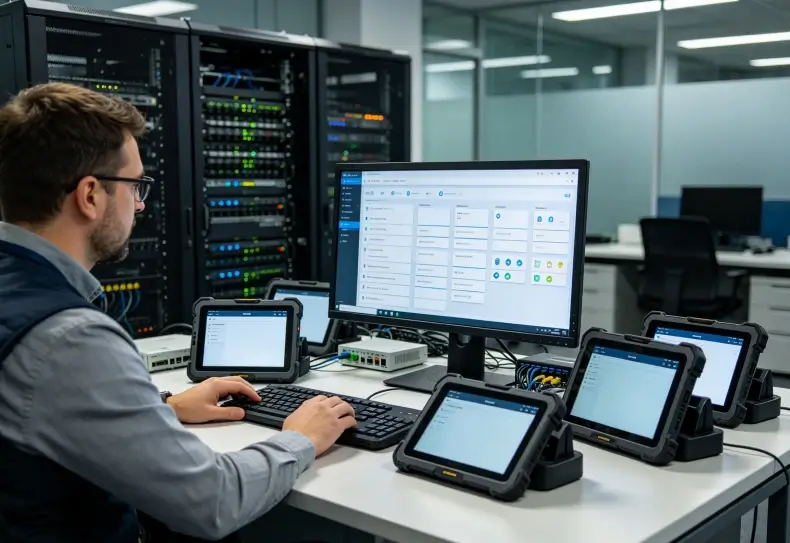
Encryption converts readable information into a protected form that requires the appropriate cryptographic key to access.
It helps reduce exposure when someone obtains a lost tablet or attempts to access its storage without authorization.
However, encryption does not prevent every form of data theft.
If an attacker gains access to an already unlocked device, the operating system may legitimately decrypt information for running applications.
Therefore, encryption must work alongside authentication and application-level security.
Full-Disk and File-Based Encryption
Modern operating systems use different methods to protect stored information.
Full-disk encryption (FDE) protects a storage volume as a whole.
File-based encryption (FBE), supported by modern Android architectures, allows different files or storage areas to use different encryption keys.
FBE also supports Android’s Direct Boot architecture, which allows selected services to operate before the user unlocks credential-protected data.
For buyers, the important question is not simply whether the datasheet mentions encryption.
IT teams should verify:
- Which encryption mechanism the operating system uses.
- Whether encryption is enabled and enforced.
- How encryption keys are protected.
- Whether external storage receives equivalent protection.
- What happens after a restart or failed authentication.
- Whether device management can enforce the required settings.
Encryption behavior depends on the Android version, device implementation, and configuration.
An operating system version alone is not enough to establish that every security control is properly implemented.
Hardware-Backed Key Protection
Some devices use hardware-backed security components to protect cryptographic keys.
These may include a trusted execution environment (TEE), a dedicated security processor, or another hardware-supported key-management mechanism.
Hardware-backed protection can reduce exposure of sensitive keys to normal application software.
However, buyers should request specific technical documentation rather than assume that every rugged tablet with a Qualcomm processor provides the same security capabilities.
Relevant questions include whether the device supports Android Keystore hardware-backed keys, verified boot, and documented firmware integrity mechanisms.
Protecting Data in Transit
Storage encryption protects information at rest.
Businesses must also protect data when the tablet exchanges information with cloud platforms, warehouse systems, or internal servers.
Common controls include:
- HTTPS with properly configured TLS.
- Certificate-based Wi-Fi authentication.
- VPN access where the network architecture requires it.
- Secure API authentication.
- Certificate validation within applications.
- Appropriate session expiration and token handling.
A VPN may provide another layer of network protection, but it does not replace secure application communication.
Likewise, connecting to a company Wi-Fi network does not automatically guarantee that every application transmits data securely.
Device Access Control: Preventing Unauthorized Use
Access controls determine who can unlock a device, which applications they can use, and what business information they may access.
This is especially important for shared industrial tablets.
PINs, Passwords and Biometric Authentication
Organizations can protect supported devices using passcodes, passwords, or biometric authentication.
Biometric authentication may improve convenience, but its availability and assurance level depend on the device hardware and implementation.
A fingerprint sensor listed in an optional configuration does not guarantee that it meets a particular enterprise security requirement.
For sensitive applications, administrators should assess:
- Minimum password strength.
- Automatic screen-lock timeout.
- Failed authentication handling.
- Biometric availability and fallback methods.
- User account separation.
- Authentication requirements for sensitive actions.
Google’s Android Enterprise management framework supports password restrictions and other policy controls when a compatible device and management solution are correctly configured.
Shared Tablets and Individual Accountability
Manufacturing teams may share a tablet across several shifts.
A shared device should not mean that everyone uses the same unrestricted application account.
Where practical, each employee should authenticate to the business application using an individual identity.
This allows the system to associate inspections, inventory adjustments, and maintenance records with the correct operator.
For dedicated shared devices, a managed kiosk configuration can restrict access to approved applications.
However, kiosk mode controls the device interface; it does not automatically provide application-level user accountability.
The business software must still implement the necessary permissions and audit records.
Role-Based Access Control
Role-based access control (RBAC) assigns permissions according to the user’s responsibilities.
For example:
| User Role | Typical Access |
|---|---|
| Warehouse operator | View assigned inventory tasks and submit routine transactions |
| Maintenance technician | Access work orders and equipment records |
| Supervisor | Review reports and approve selected exceptions |
| IT administrator | Configure device policies and approved applications |
| Security administrator | Review authentication events and security policies |
Employees should receive only the access needed for their jobs.
This follows the principle of least privilege.
The application should enforce permissions on the backend as well as the tablet. Hiding a menu item does not prevent an unauthorized API request.
How MDM and UEM Improve Rugged Tablet Security
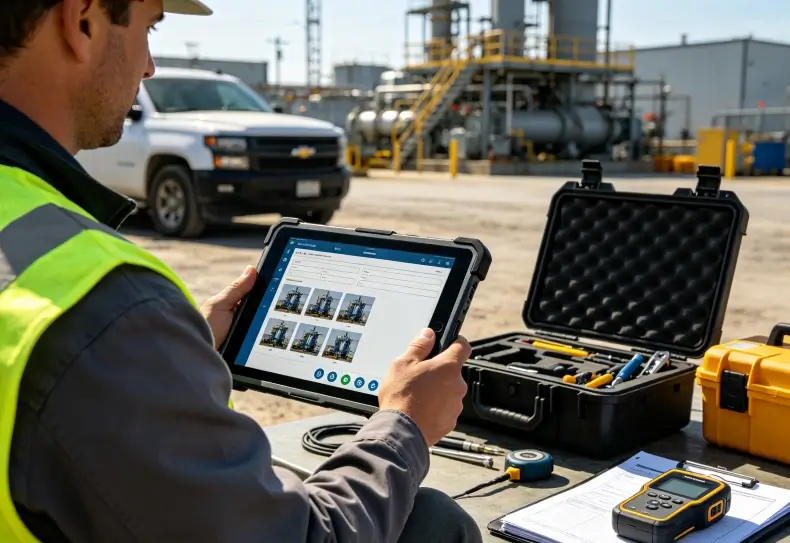
Mobile device management (MDM) provides centralized tools for configuring, monitoring, and controlling mobile devices.
Unified endpoint management (UEM) extends management across multiple device types and operating systems.
For companies deploying dozens or hundreds of rugged tablets, centralized management helps maintain consistent security policies.
Main MDM Security Functions
A compatible management platform may support:
- Device enrollment and inventory.
- Password and screen-lock policies.
- Approved application distribution.
- Application restrictions.
- Wi-Fi and certificate configuration.
- Security compliance monitoring.
- Remote device lock.
- Remote wipe commands.
- Operating system update policies.
- Dedicated-device or kiosk configurations.
Feature availability depends on the device, operating system, management mode, and MDM provider.
Google’s Android Enterprise framework distinguishes personally owned work-profile devices, company-owned devices with work profiles, fully managed devices, and dedicated devices.
For example, a warehouse tablet used exclusively for scanning may be configured as a dedicated device.
A company-owned field tablet with approved personal use may require a different policy model.
Full Device Management vs. Work Profiles
| Management Model | Typical Use | Security Consideration |
|---|---|---|
| Fully managed | Company-owned work-only tablet | Organization controls device-wide policies |
| Dedicated device | Single-purpose warehouse or production terminal | Restricts device to approved workflows |
| Work profile | Managed work apps alongside personal apps | Separates corporate and personal data |
| Unmanaged device | General consumer use | Limited centralized security enforcement |
For industrial deployments, the organization should select the management model before distributing equipment.
Changing ownership and enrollment modes later may require device reprovisioning or resetting.
The existing Android handheld terminal MDM deployment guide discusses enrollment, update management, application compatibility, and enterprise configuration.
Remote Lock and Remote Wipe
Remote management becomes particularly valuable when a device is lost or stolen.
Administrators may be able to lock a managed tablet or issue a command that removes enterprise information.
However, remote actions generally require the device to reconnect and receive the management command.
If the tablet remains offline, administrators cannot assume that a remote wipe has already completed.
This is why encryption, device locks, limited local data storage, and credential revocation remain essential.
A lost-device procedure should include:
- Record the reported loss.
- Identify the affected device and assigned user.
- Disable relevant application sessions and credentials.
- Issue supported management commands.
- Monitor command status and device connectivity.
- Evaluate potential exposure of locally stored data.
- Document the incident and replacement process.
The organization should distinguish between issuing a wipe command and confirming its successful execution.
Securing Offline Data Collection
Rugged tablets often support industrial work in locations with unreliable network coverage.
Offline applications may store work orders, equipment information, photographs, location records, or inventory transactions locally.
This improves operational continuity but increases the importance of local data protection.
Secure Local Storage
Sensitive application records should use suitable storage mechanisms and access controls.
Depending on the application, these may include encrypted local databases, operating-system-protected storage, and hardware-backed key management.
Developers should avoid placing sensitive information in unprotected logs, temporary files, or publicly accessible directories.
The application should also define how long offline records remain on the tablet after synchronization.
The rugged tablet offline data collection guide explains local storage, queued transactions, and synchronization recovery in industrial workflows.
Offline Access and Identity Verification
Offline operation creates an authentication challenge.
A technician may need to access assigned work without contacting the central identity service.
A secure offline design should define:
- Which users can authenticate without connectivity.
- How long offline access remains valid.
- Which operations require online verification.
- How revoked credentials are handled.
- Which sensitive records remain available locally.
Offline access should not automatically provide unlimited authorization.
Some actions, such as approving sensitive inventory adjustments or changing account permissions, may require a live backend connection.
Data Synchronization and Integrity
When connectivity returns, the application must synchronize pending transactions without creating duplicates or overwriting newer records.
Important safeguards include transaction identifiers, server-side validation, conflict handling, and encrypted communication.
Security should cover both confidentiality and integrity.
A transaction that reaches the server securely but changes the wrong inventory record still creates a serious business problem.
Choosing Rugged Tablets for Enterprise Security Deployment
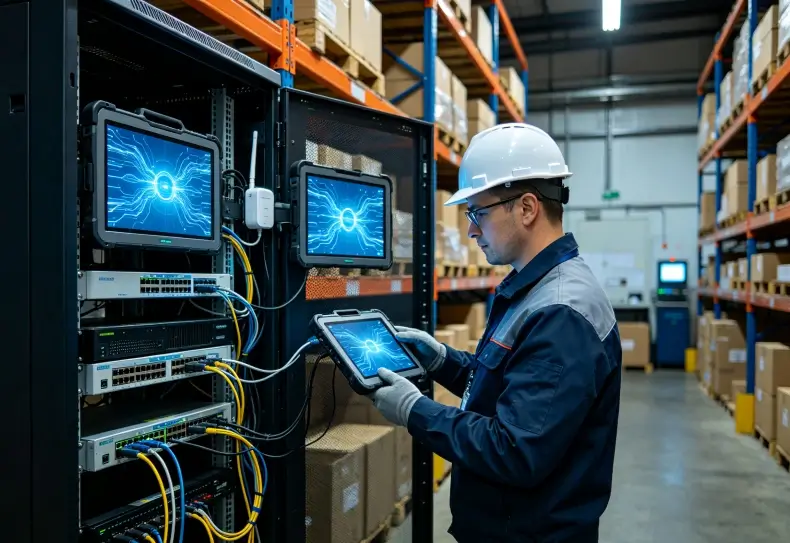
Security requirements should influence hardware selection before a company purchases an entire fleet.
The operating system, chipset, firmware support, and device-management compatibility all affect long-term security.
Evaluating Seaview Rugged Tablet Options
Seaview offers rugged tablet models including RT80, RT82, and RT83.
The RT82 5G rugged tablet lists Android 13, Qualcomm QCM4490, and 4GB/64GB or 8GB/128GB memory configurations.
These specifications make it a relevant candidate for evaluating modern Android business applications and connected field workflows.
The RT83 rugged tablet provides another product option within the company’s rugged tablet portfolio.
However, public product information is not sufficient to confirm full-disk or file-based encryption implementation, Android Enterprise Recommended certification, specific MDM compatibility, or guaranteed security update periods for either device.
These details require confirmation from the manufacturer.
For a broader hardware comparison, the Seaview rugged tablet product category includes additional industrial tablet configurations.
What Security Documentation Should Buyers Request?
A serious enterprise evaluation should request more than a basic hardware specification sheet.
Useful documentation includes:
| Requirement | What to Request |
|---|---|
| Android version | Exact version and build |
| Security patch policy | Update frequency and support end date |
| Storage encryption | Implementation and configuration evidence |
| Secure boot | Verified boot and firmware integrity documentation |
| Hardware key protection | Supported keystore and security mechanisms |
| MDM compatibility | Tested platform and enrollment method |
| Remote management | Supported lock, wipe and policy functions |
| Application restrictions | Kiosk and allowlisting support |
| Network security | Enterprise Wi-Fi, certificates and VPN support |
| Technical support | Firmware recovery and escalation procedures |
A statement such as “Android 13 supported” does not establish the device’s security patch status or lifecycle commitment.
The same applies to MDM compatibility.
An industrial buyer should request a test report or demonstration using the actual management platform selected for deployment.
How to Test Rugged Tablet Security Before Deployment
Security validation should use a pilot group before the organization rolls out devices at scale.
The test should combine operating system controls, application behavior, and administrator workflows.
Deployment Security Checklist
- Confirm the exact Android version and patch level.
- Verify that storage encryption is enabled.
- Apply password and lock-screen policies.
- Enroll the device in the intended MDM platform.
- Install approved business applications.
- Test unauthorized application restrictions.
- Verify certificate-based network access.
- Confirm user permissions and session timeouts.
- Test offline application access and storage.
- Validate remote lock and wipe behavior on a test device.
- Review update installation and rollback procedures.
- Document the recovery process for lost or failed devices.
Test Security Under Real Working Conditions
An industrial tablet may operate correctly in an office but encounter different challenges on a warehouse floor or remote job site.
Employees may wear gloves, share devices, lose connectivity, or work with applications that need continuous access to local data.
Security policies should not prevent legitimate tasks from being completed.
For example, an aggressive screen timeout could interrupt repeated warehouse scanning, while overly broad application permissions could expose sensitive records.
Test the balance between protection and usability using representative employees.
Security controls should be measurable, documented, and repeatable.
Conclusion
Rugged tablet data security requires coordinated protection across hardware, operating systems, applications, and enterprise management platforms.
Encryption helps protect stored information. Authentication and role-based permissions limit unauthorized access. MDM and UEM allow IT teams to apply policies, manage applications, and respond to missing devices.
However, these capabilities must be verified on the exact hardware configuration.
Industrial buyers should evaluate security update commitments, device-management compatibility, offline data protection, and recovery procedures before deployment.
The strongest security strategy is one that protects business information while allowing employees to complete their work reliably.
FAQ
Are rugged tablets more secure than consumer tablets?
Not automatically. Ruggedness describes physical durability, while data security depends on encryption, operating system updates, authentication, application controls, and device management.
Do Android rugged tablets support data encryption?
Modern Android platforms include storage encryption capabilities. However, buyers should verify the encryption implementation and configuration on the specific rugged tablet model.
Can IT administrators remotely wipe a lost rugged tablet?
They may be able to do so through a compatible MDM platform. The device generally needs to reconnect before receiving and executing a remote wipe command.
What is the difference between MDM and UEM?
MDM focuses on managing mobile devices. UEM provides broader endpoint management across multiple device types and operating systems.
What should businesses check before buying secure rugged tablets?
Verify storage encryption, authentication options, security patch support, MDM compatibility, application restrictions, network security, and documented remote management capabilities.
How can companies protect data stored offline on rugged tablets?
Use protected local storage, strong authentication, limited data retention, encrypted synchronization, and clear rules for offline access and credential revocation.
Looking for Rugged Tablets for Secure Industrial Deployment?
Protecting business data starts with the right combination of hardware, software, and device management policies. Explore Seaview’s rugged tablet range and compare available configurations for field service, warehouse operations, and enterprise applications.
Explore Seaview Rugged Tablets
External Reference Sources
1. Android Open Source Project — File-Based Encryption
2. Google — Android Enterprise Feature Requirements