
5G Rugged Tablet for Outdoor Operations: Deployment Guide

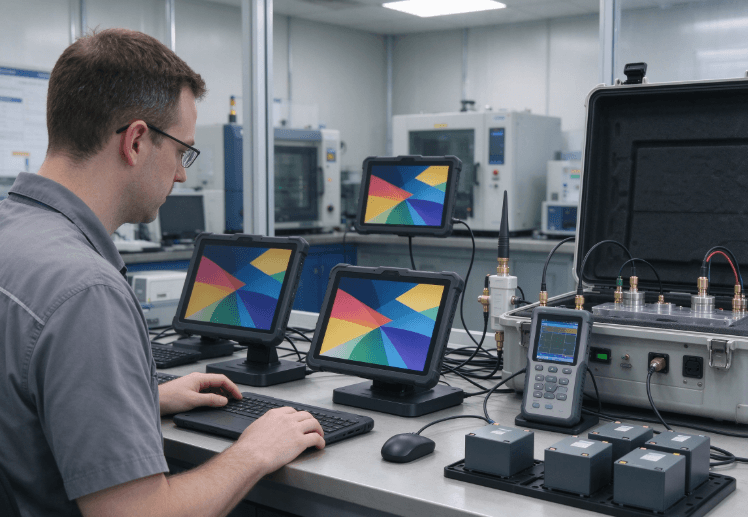
A 5G rugged tablet for outdoor operations needs reliable cellular connectivity, a readable display, sufficient battery endurance, and protection suited to the working environment. For utility inspections, construction sites, infrastructure maintenance, and mobile service teams, successful deployment depends on matching these capabilities to actual field conditions rather than choosing a device based on 5G support alone.
Faster connectivity is useful when technicians upload inspection photographs, access cloud-based work orders, or use remote technical assistance. However, 5G availability, supported frequency bands, battery consumption, and environmental exposure all influence whether a tablet performs reliably on site.
What Should You Check Before Deploying a 5G Rugged Tablet?
Start with the tasks technicians perform and the places where they perform them. A tablet used on an open construction site faces different challenges from one operating inside a metal equipment enclosure or a service vehicle.
The initial evaluation should cover six areas:
- Cellular connectivity: Supported 5G bands, carrier compatibility, and signal coverage.
- Display: Brightness, reflections, and touchscreen operation with work gloves.
- Battery: Runtime under realistic application and network workloads.
- Environmental protection: IP rating, drop resistance, and temperature limits.
- Software: Operating system, application compatibility, and device management.
- Data continuity: Offline access and reliable synchronization after network recovery.
These requirements should be considered together. A tablet may have excellent network specifications but still be unsuitable if its display is difficult to read outdoors or its battery cannot support the intended shift.
For a broader evaluation of field requirements, see the rugged tablet field service selection guide.
5G Connectivity: Verify Coverage and Compatibility
5G can benefit outdoor operations that involve large file transfers, video-based technical support, cloud applications, and frequent data synchronization.
For routine inspection forms and text-based work orders, a stable 4G LTE connection may be sufficient. The appropriate network depends on application requirements and actual coverage.
Check Frequency Bands Before Deployment
A 5G label does not mean that a tablet supports every mobile network worldwide.
Before selecting a model, verify:
- Supported 5G NR and LTE frequency bands.
- Compatibility with the intended mobile carrier.
- SIM or eSIM requirements.
- Regional hardware variations.
- Roaming support, where required.
- Antenna performance in the intended installation.
For international projects, confirm the exact hardware variant rather than relying on the model name alone.
Test Connectivity at Actual Work Locations
Carrier coverage maps provide a useful starting point, but they cannot guarantee reception at every site.
Metal structures, reinforced concrete, terrain, and equipment enclosures can weaken signals. Network performance may also change as technicians move between outdoor and indoor work areas.
A field trial should measure connection stability and upload performance at representative locations.
For vehicle-based operations, antenna placement and mounting arrangements may also affect reception. The fixed-mount industrial tablet guide explains why installation conditions matter when integrating industrial computing hardware.
Keep Work Moving During Network Interruptions
Even a well-configured 5G tablet will encounter locations without usable cellular coverage.
Field applications should support offline access when continuous connectivity cannot be guaranteed. Technicians may need to save inspection results, record measurements, capture photographs, and access previously downloaded work orders.
Test what happens when a connection drops during an upload. The application should handle incomplete transfers, synchronization conflicts, and duplicate records appropriately.
Outdoor Readability, IP Protection, and Temperature
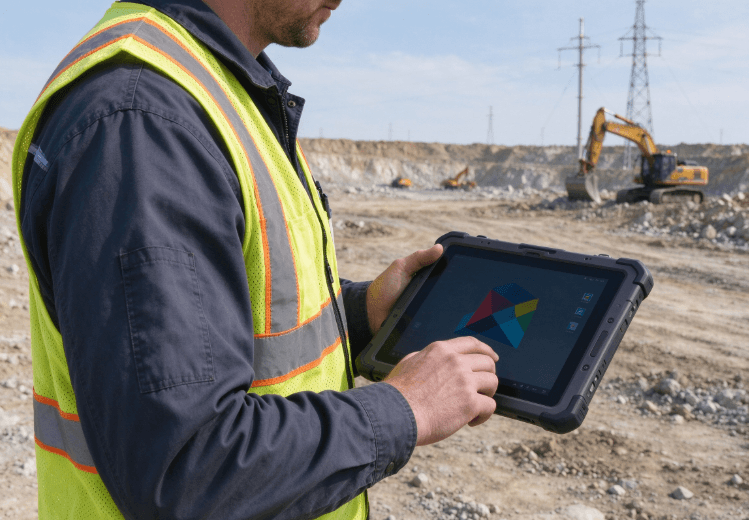
A connected tablet is of limited value if technicians cannot read its screen in direct sunlight or operate it reliably in adverse weather.
Display and environmental specifications should therefore be evaluated under realistic working conditions.
Display Brightness Is Only One Factor
Brightness, measured in nits, affects visibility outdoors. Reflections, contrast, optical bonding, and viewing angle also influence readability.
During a field trial, check whether technicians can read work orders, view technical diagrams, and enter data under the lighting conditions they normally encounter.
Touchscreen operation should be tested with the gloves workers actually use. Wet-screen performance should also be checked if rain or moisture is common.
The rugged tablet engineering guide for harsh environments provides additional context on environmental design and display usability.
Choose Protection Based on Exposure
IP ratings describe protection against solid particles and water under specified test conditions.
| Rating | Protection | Practical Consideration |
|---|---|---|
| IP65 | Dust-tight and protected against water jets | Outdoor work involving dust and water spray |
| IP67 | Dust-tight and protected against temporary immersion | Sites where accidental immersion is a relevant risk |
| MIL-STD-810 testing | Environmental testing under specified methods | Shock, vibration, temperature, and other stresses |
IP67 does not automatically establish resistance to high-pressure washing, chemicals, or every type of impact. Likewise, MIL-STD-810 is a collection of test methods, not a universal guarantee of durability.
Review the actual test conditions and the manufacturer’s declared limits. The industrial tablet IP rating guide explains how to interpret these ratings.
Temperature also matters. Cold conditions can reduce available lithium-ion battery capacity, while prolonged heat can accelerate battery degradation. Confirm both operating and charging temperature limits before deploying devices in extreme climates.
Battery Life and Software Compatibility
5G connectivity can increase power demand during sustained data transfers or weak-signal operation. Screen brightness, camera use, GNSS positioning, and application processing also affect battery consumption.
For a full-shift deployment, evaluate battery endurance using the actual field workload.
A practical test should include:
- Connecting to the intended cellular network.
- Running the required inspection or maintenance application.
- Setting brightness for outdoor visibility.
- Capturing photographs and recording inspection data.
- Using GNSS and Bluetooth peripherals where required.
- Measuring battery consumption over a representative shift.
Avoid treating nominal battery capacity as a guarantee of all-day runtime. Testing should account for network conditions, temperature, battery age, and charging opportunities.
Software compatibility deserves equal attention. Android tablets often suit mobile inspection, cloud-based work orders, and data capture. Windows devices may be necessary for specialized desktop diagnostic applications or legacy drivers.
Before deployment, verify authentication, VPN requirements, peripheral support, offline operation, and device management policies.
Comparing Rugged Tablet Options for Outdoor Work
The Kroniix website lists the RT80, RT82, and RT83 in its rugged tablet range, with product links leading to the Raysko product site. These models provide a starting point for comparing hardware against field requirements. <Cite refs={[“turn945588view0″,”turn790673view0″,”turn790673view1″,”turn790673view2”]}/>
- The RT82 5G rugged tablet is relevant for projects that require 5G connectivity.
- The RT83 rugged tablet is listed as a 4G model, making it worth evaluating where LTE meets operational needs.
- The RT80 rugged tablet provides another configuration to consider within the product range.
For additional product discovery, visit Kroniix, which links to the company’s rugged tablet range.
Do not choose a device solely because it supports the newest network standard. Compare the exact regional specifications, display requirements, battery performance, available interfaces, and application compatibility.
The industrial tablet product category provides another way to review available configurations.
Outdoor Deployment Checklist for IT and Operations Teams
Before deploying tablets across a workforce, confirm the following requirements.
Connectivity
- Verify local carrier coverage and supported frequency bands.
- Test reception at actual operating locations.
- Confirm SIM provisioning and roaming requirements.
- Validate offline access and synchronization.
Hardware
- Review IP ratings and environmental test conditions.
- Test screen readability in direct sunlight.
- Check glove operation and required interfaces.
- Confirm operating and charging temperature limits.
Power and software
- Measure battery use under representative workloads.
- Confirm operating system and application compatibility.
- Test required peripherals and vehicle accessories.
- Establish security, update, and replacement procedures.
A small pilot deployment involving representative users and work locations can reveal problems that specification sheets cannot. Record connection failures, battery consumption, usability issues, and application errors before expanding the rollout.
FAQ
Is 5G necessary for outdoor field operations?
Not always. 5G can benefit video assistance and large data transfers, while many inspection and reporting workflows operate adequately over reliable 4G LTE.
Does every 5G rugged tablet work with every carrier?
No. The device must support the carrier’s relevant frequency bands and network configuration. Regional model differences and SIM provisioning should be checked before deployment.
What IP rating should an outdoor rugged tablet have?
The appropriate rating depends on exposure. IP65 may suit dusty environments with water-jet exposure, while IP67 adds protection against temporary immersion under specified test conditions.
How can a rugged tablet work without cellular coverage?
The installed application should support offline records, local storage, and synchronization after reconnection. Test how it handles interrupted uploads and conflicting updates.
Does 5G affect rugged tablet battery life?
It can increase power consumption under some conditions, particularly during sustained transfers or weak-signal operation. Actual results depend on the modem, network, applications, and power management.
What should be tested before deployment?
Test carrier connectivity, display visibility, battery endurance, environmental suitability, software compatibility, and offline operation at representative work locations.
Conclusion
A successful outdoor 5G tablet deployment depends on more than cellular speed. The device must connect reliably where technicians work, remain readable in changing light, tolerate the intended environment, and support the software used on site.
The most dependable approach is to define operational requirements first, verify the exact product specifications, and validate performance through field testing.
A properly matched rugged tablet can help teams maintain inspection records, communicate with remote staff, and complete field tasks with fewer interruptions.