

Industrial Computing Solutions: Matching Hardware to Sector Demands

Selecting the right industrial computing solutions is no longer just about processing power; it is about environmental resilience and operational longevity. While consumer-grade hardware prioritizes aesthetics and thin profiles, industrial systems are engineered to survive where standard electronics fail. In professional environments—ranging from the high-vibration cabin of a mining truck to the sterile, chemical-heavy floors of a pharmaceutical plant—the computing interface must be as rugged as the machinery it controls.
For procurement managers and systems integrators, the challenge lies in balancing technical specifications with the total cost of ownership (TCO). A failure on the production line doesn’t just cost a tablet; it costs hours of downtime. This guide analyzes how specialized hardware addresses the unique stressors of various industries.
The Technical Foundation of Industrial Computing Solutions
Industrial computing solutions encompass a broad spectrum of hardware, including rugged tablets, panel PCs, and embedded box PCs. Unlike commercial off-the-shelf (COTS) devices, these systems are built with “industrial-grade” components that offer extended lifecycles, often available for 5 to 7 years to ensure long-term project stability.
The core differentiators include:
- Thermal Management: Fanless designs utilize heat sinks to prevent dust and metallic particles from being sucked into the chassis, a common cause of short circuits in manufacturing.
- Ingress Protection (IP): Ratings like IP65 or IP67 define the device’s ability to withstand water jets or complete submersion.
- Mechanical Durability: Compliance with MIL-STD-810G ensures the device survives repeated drops, extreme shocks, and constant vibration.
Industry-Specific Computing Requirements
1. Warehousing and Cold Chain Logistics
In logistics, the primary bottleneck is often data entry and mobility. Forklift-mounted computers and rugged handheld tablets are the standard here.
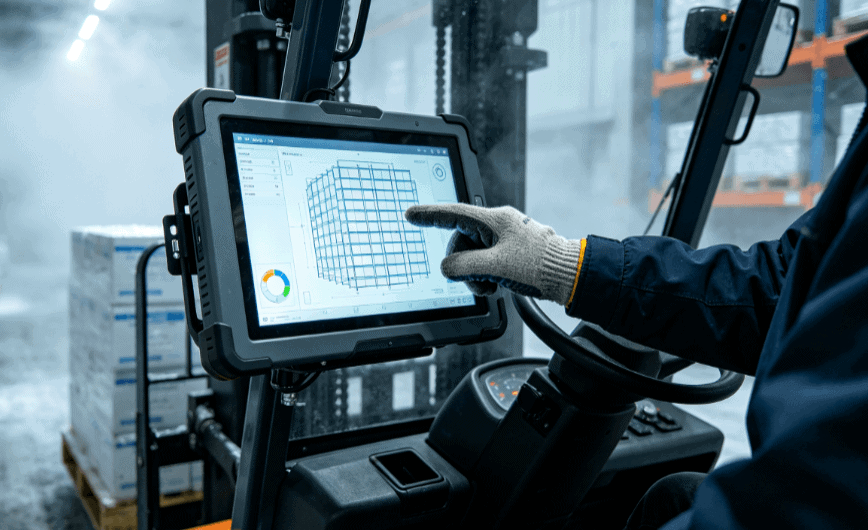
In cold storage environments, standard screens become brittle and internal condensation ruins circuitry. Industrial solutions for this sector feature internal heaters and specialized “glove-touch” capacitive screens, allowing operators to input data without removing thermal PPE. High-speed connectivity (Wi-Fi 6 and 5G) is essential for real-time Warehouse Management System (WMS) updates.
2. Manufacturing and HMI (Human Machine Interface)
On the factory floor, the focus shifts to Panel PCs. These are typically integrated into control cabinets to act as the primary HMI.
- Touch Technology: Choosing between resistive and capacitive touch is critical. Resistive screens are preferred in environments where operators wear heavy gloves or where water splashes might cause “ghost touches” on a standard capacitive screen.
- I/O Versatility: Industrial manufacturing requires legacy support. Unlike consumer laptops that rely solely on USB-C, industrial computing solutions often require RS232/RS485 serial ports, CAN bus, and multiple GPIO pins to communicate directly with PLCs (Programmable Logic Controllers).
3. Energy, Oil, and Gas
This is perhaps the most demanding environment for industrial hardware. Equipment used in “Ex-rated” or “ATEX” zones must be intrinsically safe to prevent any electrical spark from causing an explosion in volatile atmospheres.
For field engineers, sunlight-readable displays are a non-negotiable requirement. While a standard tablet peaks at 300-400 nits, industrial-grade displays often reach 1,000 nits or more, utilizing optical bonding technology to reduce internal reflections and improve contrast in direct sunlight.
4. Healthcare and Clinical Environments
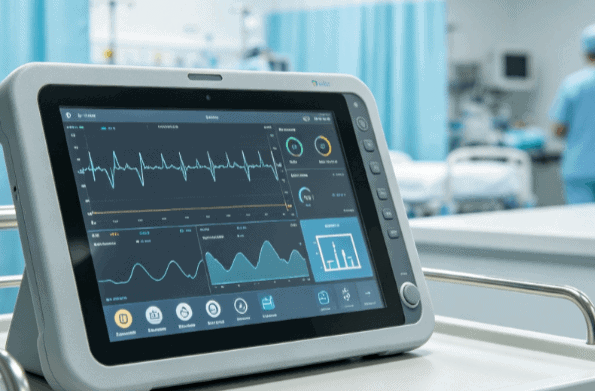
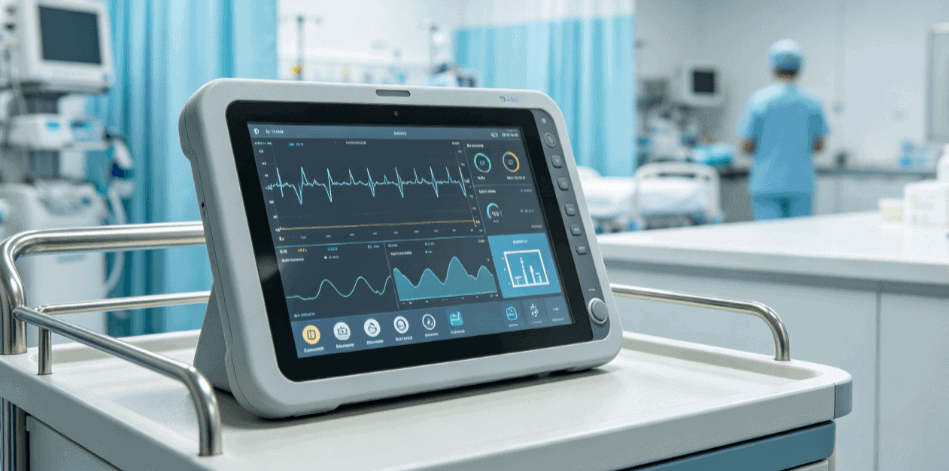
Computing solutions in healthcare must prioritize hygiene and safety compliance (IEC 60601-1). These devices feature antimicrobial enclosures that withstand frequent “wipe-downs” with harsh disinfectants like isopropyl alcohol or bleach, which would corrode the plastic casing of a standard consumer tablet.
Comparison: Industrial vs. Commercial Computing Solutions
| Feature | Consumer/Commercial Grade | Industrial Grade |
| Operating Temp | 0°C to 35°C | -20°C to 60°C (Extended range available) |
| Lifecycle | 12–18 months | 5–10 years |
| Cooling | Active fans (prone to dust) | Passive/Fanless (sealed) |
| Expansion | Limited (Dongles required) | Modular (Custom I/O, RFID, Barcode) |
| Mounting | Desktop/Handheld | VESA, Wall, Vehicle, Rack-mount |
Evaluating the Commercial Value: Beyond the Purchase Price
When assessing industrial computing solutions, the “sticker price” is often deceptive. A commercial tablet might cost $500, while a rugged equivalent from a specialist like Industrial-TabletPC might cost $1,500. However, the commercial unit typically requires replacement every 12 months due to battery failure or screen breakage in field conditions.
The commercial value of industrial-grade hardware is found in:
- Reduced Downtime: Ruggedized components significantly lower the Failure Rate (FR).
- Modular Customization: Many providers offer OEM/ODM services, allowing for the integration of specific modules like 1D/2D barcode scanners, NFC readers, or fingerprint sensors directly into the chassis.
- Security and OS Control: Industrial solutions often utilize Windows 10/11 IoT Enterprise or specialized Android builds, allowing IT departments to lock down updates and maintain a “golden image” for years without forced OS changes.
Procurement Strategy for System Integrators
For those evaluating suppliers, it is essential to verify testing certifications. Don’t just look for “rugged” in the marketing copy; ask for the independent lab reports for IP ratings and MIL-STD testing.
Furthermore, consider the mounting ecosystem. A tablet is only as effective as its docking station. In vehicular applications, the dock must provide power isolation to protect the computer from voltage spikes during engine ignition.
FAQ
Q: What is the difference between IP65 and IP67 in industrial tablets?
A: IP65 means the device is protected against low-pressure water jets from any angle (dust-tight and splash-proof). IP67 means the device is dust-tight and can survive complete immersion in water up to 1 meter for 30 minutes. For outdoor field service, IP65 is usually sufficient; for marine or heavy-washdown environments, IP67 is recommended.
Q: Can industrial computing solutions run standard Windows applications?
A: Yes. Most industrial panel PCs and rugged tablets use standard x86 architecture (Intel or AMD), allowing them to run Windows 10 or 11 Pro/IoT Enterprise. This ensures full compatibility with existing ERP and SCADA software.
Q: Why is “Fanless” cooling preferred in industrial settings?
A: Fans are mechanical points of failure. In environments with dust, grease, or metallic filings, fans pull these contaminants into the device, leading to overheating or internal shorts. Fanless designs use the chassis as a heat sink, creating a completely sealed and more reliable system.
Q: What is the typical lead time for customized industrial computers?
A: For standard configurations, lead times can range from 2 to 4 weeks. For OEM/ODM projects involving custom I/O or chassis modifications, lead times generally extend to 8 to 12 weeks, depending on the complexity of the certification requirements.
Reference Sources
- ISO 9001:2015: Quality management systems for manufacturing electronics. iso.org
- MIL-STD-810H: Department of Defense Test Method Standard for Environmental Engineering Considerations. ieee.org
- IEC 60529: Degrees of protection provided by enclosures (IP Code). iec.ch
- Intel Industrial IoT Solutions: Technical whitepapers on fanless thermal design and lifecycle management. intel.com