
How to Choose a Rugged Handheld Terminal for Warehouse Use

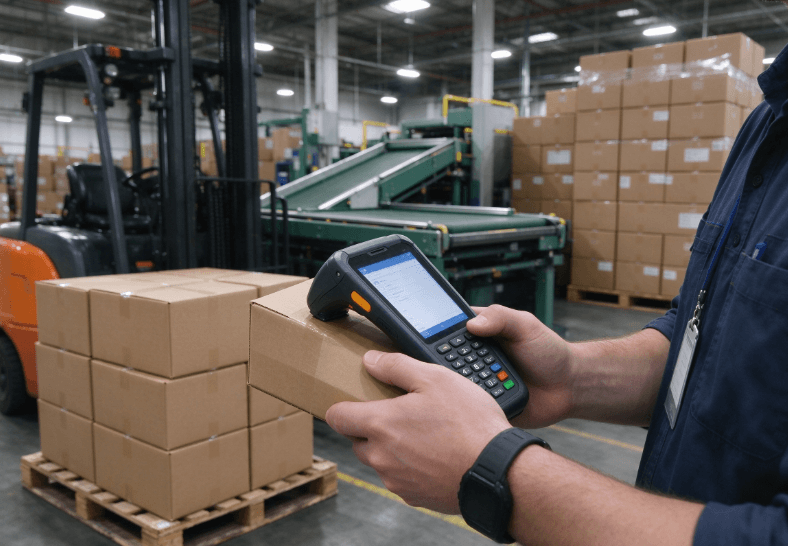
A rugged handheld terminal for warehouse operations should match the way employees receive goods, put away stock, pick orders, and verify shipments. The right device combines reliable barcode capture, stable wireless connectivity, sufficient battery life, and an operating system compatible with the warehouse management system (WMS).
A terminal that performs well during a short demonstration may behave differently during a full shift. Poor Wi-Fi roaming, uncomfortable trigger placement, or inconsistent barcode reading can slow down hundreds of routine transactions.
The most useful selection process starts with the warehouse workflow, then evaluates hardware against the conditions employees encounter every day.
What Makes a Handheld Terminal Suitable for Warehouse Work?
A warehouse handheld terminal is more than a portable computer. It is a data-capture tool that connects physical inventory movements to digital records.
During receiving, workers may scan carton labels and compare quantities against purchase orders. During picking, they follow location instructions, confirm item identifiers, and record completed tasks. Each transaction depends on the terminal, scanning hardware, application, and wireless network working together.
Before comparing models, identify these requirements:
- Barcode types used on products, cartons, pallets, and locations.
- WMS or ERP software and its supported operating systems.
- Wi-Fi coverage throughout storage and loading areas.
- Expected scan volume and shift duration.
- Required drop resistance and ingress protection.
- Screen visibility, grip, and trigger placement.
- Battery replacement and charging arrangements.
GS1’s warehouse management guidance explains how standardized identifiers support receiving, storage, picking, and dispatch. The terminal must capture those identifiers correctly and transfer them into the appropriate business transaction.
A device with advanced hardware is not necessarily the best choice if it makes routine scanning slower or requires changes to established warehouse software.
Barcode Scanning, Wi-Fi, and Application Compatibility
Three technical factors deserve particular attention because problems in any one of them can interrupt warehouse operations.
Choose the Right Scanning Engine
Start by identifying the barcodes workers actually scan.
A general-purpose 1D scanner may be sufficient for conventional linear labels. Warehouses using QR codes, Data Matrix, or other two-dimensional symbols need an imaging engine that supports the required symbologies.
Read distance also matters. Workers scanning small product labels at arm’s length have different requirements from employees identifying pallet labels on high racks.
Evaluate the terminal with real labels, including damaged packaging, reflective surfaces, and codes printed at different sizes.
GS1 Canada’s barcode scanning equipment selection guide identifies barcode type, scanning environment, and equipment capabilities as important selection factors.
A practical test should measure successful first-pass reads rather than relying only on a manufacturer’s maximum scanning specification.
Wi-Fi Roaming Across the Warehouse
A handheld terminal may work perfectly beside an access point but lose connectivity in distant aisles or during movement between coverage zones.
This can interrupt picking instructions, delay inventory updates, or cause users to repeat transactions.
Test the device while walking through actual receiving areas, rack aisles, packing stations, and loading docks. Check authentication, roaming behavior, reconnection time, and application recovery after a temporary network interruption.
For warehouses with multiple wireless networks, confirm support for the required Wi-Fi bands and enterprise authentication methods.
Offline transaction support can reduce disruption, but it depends on the WMS application. The software must store pending changes safely and synchronize them without creating duplicate receipts or inventory adjustments.
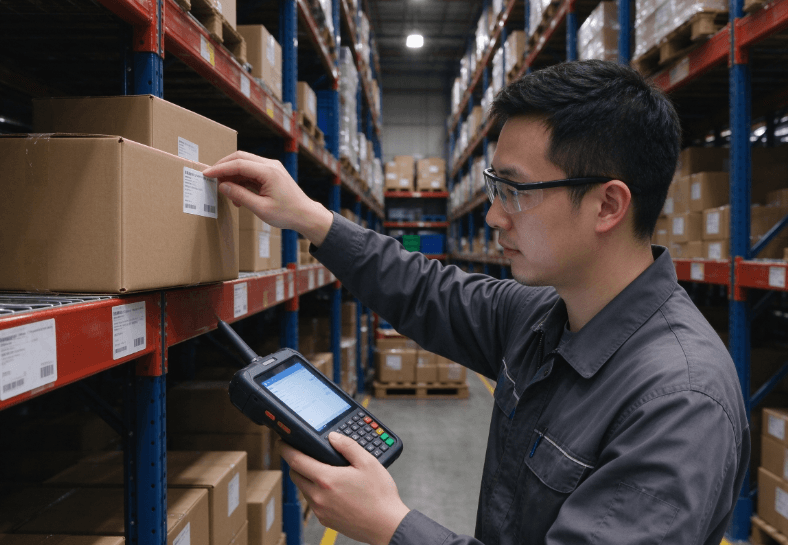
Android or Windows?
The operating system should follow application requirements.
Android handheld terminals often suit mobile-first WMS applications, barcode-driven workflows, and shared devices used across shifts. Windows may be necessary for specialized desktop software or legacy applications that depend on specific drivers.
Before choosing a platform, verify:
- Supported operating system versions.
- Application installation and update procedures.
- Scanner SDK or input integration.
- Device management compatibility.
- Security patch and lifecycle commitments.
- Support for required peripherals.
The industrial tablet versus consumer tablet guide provides additional context on lifecycle support, interfaces, and environmental requirements when evaluating industrial computing hardware.
Battery, Ergonomics, and Durability During a Full Shift
A warehouse terminal may be handled hundreds of times during a shift. Battery endurance and physical design therefore affect productivity just as much as processing performance.
Battery Capacity Is Only a Starting Point
Actual runtime depends on display brightness, scanning frequency, wireless signal strength, application workload, and temperature.
A terminal used continuously for scanning and Wi-Fi communication may consume power differently from one used intermittently for inventory checks.
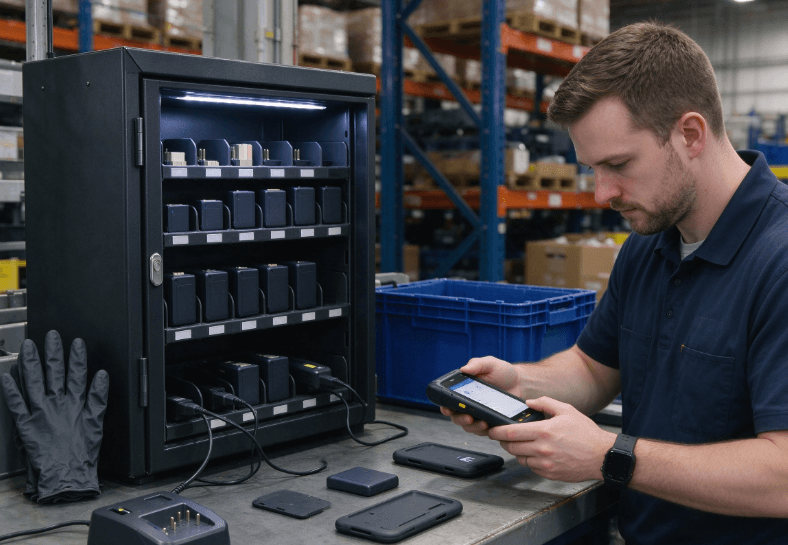
Estimate the workload across a normal shift and test battery consumption under those conditions. If workers cannot easily access charging stations, evaluate replaceable batteries or spare-device arrangements where supported.
Do not assume that a large battery rating guarantees a full shift without charging.
Weight, Grip, and Trigger Placement
Ergonomics becomes increasingly important when employees scan products throughout the day.
A device that is technically rugged but difficult to grip can contribute to fatigue. Trigger position, scan feedback, screen reachability, and balance affect how easily workers move between scanning and data entry.
Test the terminal with gloves if warehouse employees wear them. Also check whether the screen remains usable when workers need to switch between scanning, reviewing quantities, and confirming exceptions.
A short trial with actual operators can reveal handling problems that are difficult to identify from specifications alone.
IP Ratings and Drop Resistance
Warehouses may expose terminals to dust, occasional splashes, impacts, and temperature changes.
IP65 indicates dust-tight protection and resistance to water jets under specified conditions. IP67 adds protection against temporary immersion under defined test conditions.
These ratings describe ingress protection, not every aspect of mechanical durability. Drop resistance and operating temperature should be checked separately.
For environments with forklifts, loading equipment, or outdoor storage, test the device under conditions representative of actual use. Avoid treating a generic ruggedness claim as proof of a particular protection level.
Comparing Handheld Terminal Options for Warehouse Operations
Different warehouse tasks may require different combinations of scanning, connectivity, and computing capabilities.
Kroniix’s associated product range includes handheld terminals that can be evaluated against these requirements.
| Device | Potential Evaluation Focus | What to Verify |
|---|---|---|
| RS53 handheld terminal | Mobile data collection and warehouse applications | Scan configuration, Android support, and Wi-Fi compatibility |
| RS50 handheld terminal | Connected mobile workflows | Exact operating system, network configuration, and scanning hardware |
| R366-S handheld terminal | Barcode-based inventory and field data collection | Supported symbologies, application interface, and environmental specifications |
These models are starting points for comparison, not a claim that every configuration has identical warehouse features. Confirm current model specifications before selecting a device.
For additional background on rugged computing requirements, the industrial computing solutions guide discusses how operating environments and hardware configurations affect deployment decisions.
A dedicated handheld terminal is generally better suited to frequent one-handed scanning than a larger industrial tablet. A tablet may still be useful at packing stations or for workflows requiring larger forms and detailed documents.
The choice should reflect how employees handle each transaction rather than simply comparing screen size or processor specifications.
How to Validate a Terminal Before Rolling It Out
A warehouse pilot should test the complete transaction process, not just the scanner.
Use the same WMS application, barcode labels, network configuration, and operating procedures expected after deployment.
A practical validation sequence is:
- Receive a shipment and scan representative carton labels.
- Complete putaway using actual storage-location barcodes.
- Pick a multi-line order and verify item quantities.
- Test scanning while moving between wireless access points.
- Record and recover from a temporary network interruption.
- Measure battery consumption over a representative shift.
- Test damaged labels, incorrect scans, and exception handling.
- Confirm that completed transactions appear correctly in the WMS.
Record first-pass scan success, transaction time, connection interruptions, and user feedback.
If a device performs poorly, identify the cause before replacing the hardware. A barcode printing issue, weak access-point coverage, or application configuration error may be responsible.
Conclusion
Choosing a rugged handheld terminal for warehouse operations requires balancing scanning performance, wireless reliability, battery endurance, durability, and software compatibility.
For high-volume picking and receiving, first-pass scanning and Wi-Fi roaming can have a direct impact on transaction speed. For long shifts, ergonomics and battery management may matter more than a higher processor specification.
Compare devices using real warehouse tasks and verify the exact hardware configuration. A short, structured pilot is the most reliable way to identify operational problems before deploying terminals across the facility.
FAQ
What barcode scanner is best for warehouse operations?
The appropriate scanner depends on the required barcode types, reading distance, label condition, and scan volume. Test candidate devices with actual warehouse labels before making a decision.
Is Android suitable for warehouse handheld terminals?
Android is suitable for many mobile WMS applications, provided the software supports the device’s Android version and scanning interface. Specialized legacy applications may require a different platform.
How long should a warehouse handheld terminal battery last?
Battery life should cover the intended shift or fit the site’s charging arrangements. Actual runtime depends on scanning frequency, screen brightness, Wi-Fi conditions, and application workload.
Does a warehouse handheld terminal need IP67 protection?
Not every warehouse requires IP67. The appropriate rating depends on exposure to dust, water, and other environmental conditions. Drop resistance and operating temperature should also be assessed.
Can one handheld terminal support receiving, picking, and inventory counting?
Yes, if the WMS application supports all three workflows and the device provides compatible scanning hardware. User permissions and application configuration may differ by task.
What should be tested before deploying warehouse handheld terminals?
Test scanning accuracy, WMS compatibility, Wi-Fi roaming, battery runtime, ergonomics, and transaction recovery. Include actual operators and representative warehouse conditions.