

What Makes a Tablet Suitable for Harsh Environments? | Engineering Guide

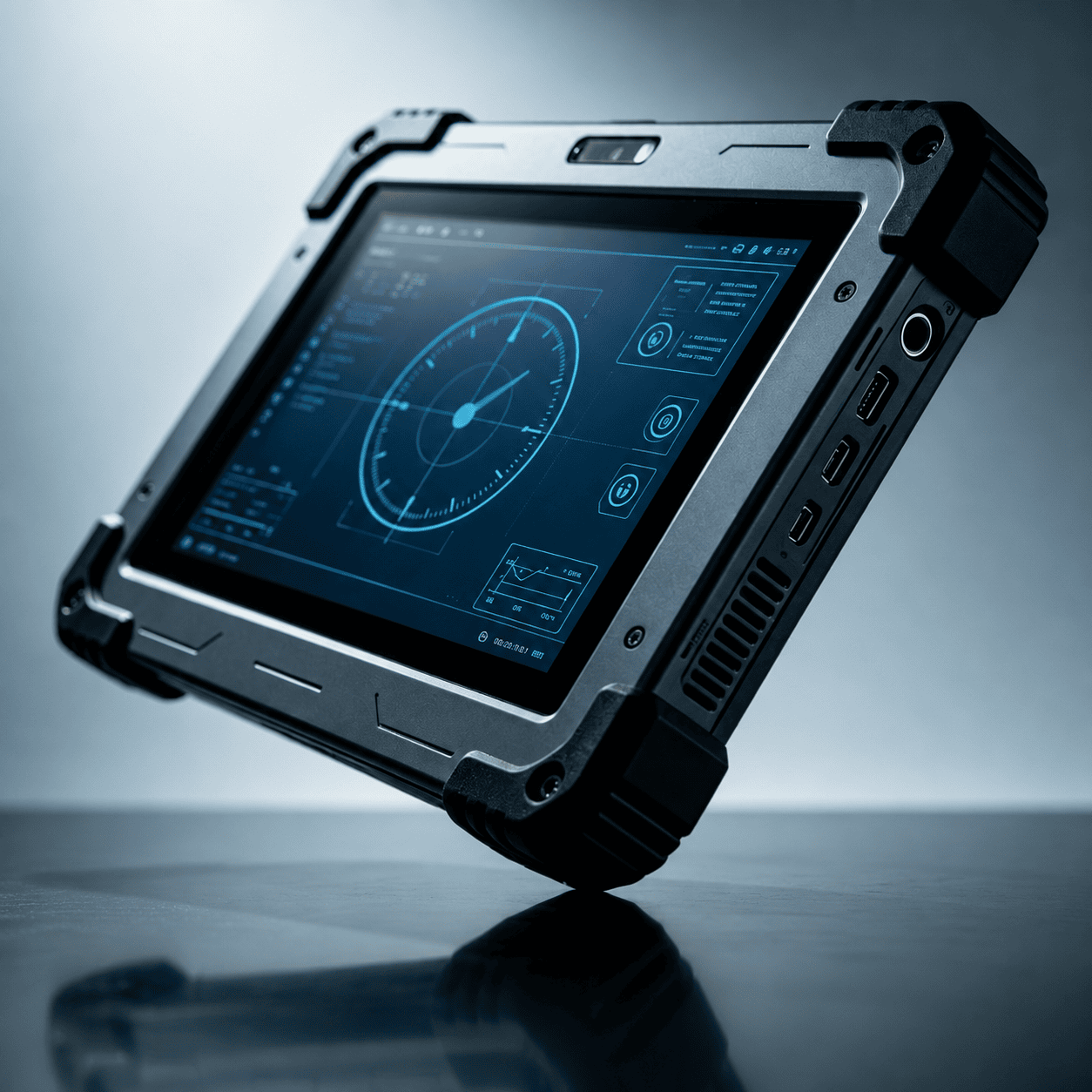
The difference between a consumer-grade device and a tablet engineered for harsh environments is not merely a “thick case.” In industrial, military, or field-service contexts, environmental failure isn’t just an inconvenience—it’s a data loss risk and a significant operational cost.
For a tablet to survive in high-moisture, high-vibration, or extreme-temperature zones, it must be designed from the PCB (Printed Circuit Board) up with specific mechanical and electrical safeguards. Here is the technical breakdown of what makes a tablet truly suitable for harsh environments.
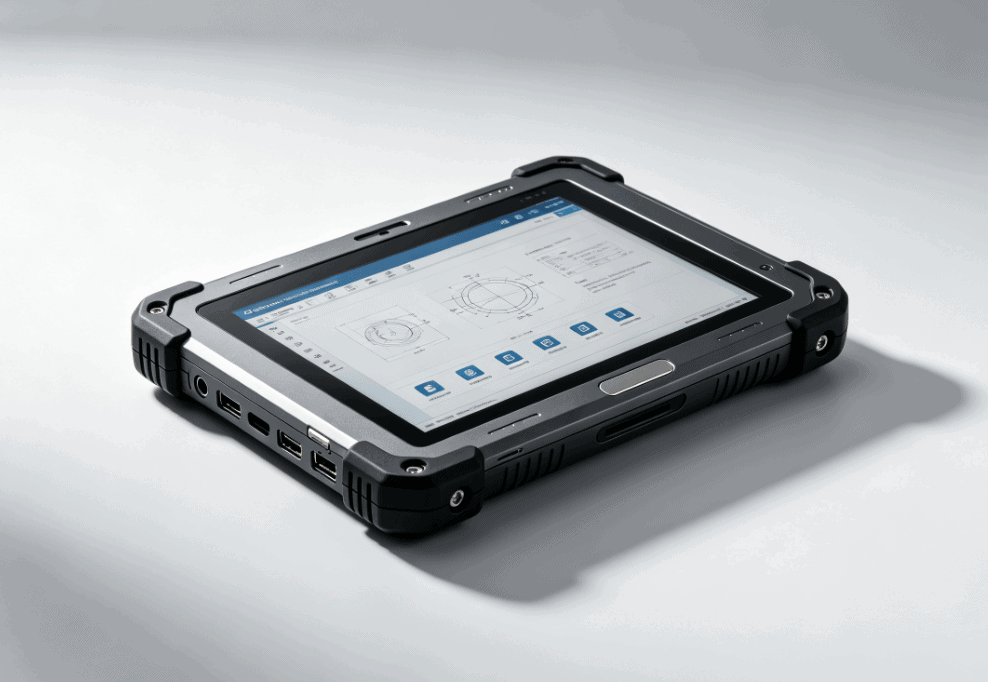
Ingress Protection (IP Ratings) and Sealing Integrity
In harsh environments, the primary enemies are microscopic dust and pressurized liquids. The IP (Ingress Protection) rating system, defined by IEC standard 60529, is the industry benchmark.
- Dust Protection (The first digit): A rating of 6 indicates the device is “dust-tight,” preventing even the smallest particulates from entering the chassis. This is critical in mining, woodworking, or textile manufacturing.
- Water Protection (The second digit): Most industrial tablets aim for IP65 (protection against water jets) or IP67/IP68 (protection against immersion).
To achieve this, engineers utilize specialized gaskets, silicone seals around ports, and chemically bonded glass. Unlike consumer tablets that use pressure-sensitive adhesives, industrial tablets often use mechanical fasteners to ensure the seal remains intact even after thermal expansion and contraction.
MIL-STD-810H: The Gold Standard for Durability
While IP ratings focus on solids and liquids, the U.S. Department of Defense’s MIL-STD-810H (the most recent revision) covers a broader spectrum of environmental stressors. A tablet suitable for harsh environments must undergo testing in several of these categories:
- Shock and Drop: Can the device survive repeated drops from 4 to 6 feet onto concrete? This requires an internal magnesium alloy frame and reinforced rubber “bumpers” at the corners.
- Vibration: Critical for tablets mounted in long-haul trucks, forklifts, or aircraft. Constant low-frequency vibration can shake internal connectors loose if they aren’t physically anchored or soldered with high-reliability alloys.
- Altitude and Pressure: For aerospace applications, tablets must maintain structural integrity and battery stability in low-pressure environments.
Thermal Management and Extreme Temperature Tolerance
Consumer tablets typically operate within a narrow range (0°C to 35°C). However, a tablet for harsh environments often requires an operational range of -20°C to +60°C.
Achieving this requires two engineering strategies:
- Component Selection: Using “Industrial Grade” capacitors, batteries, and processors rated for wide temperature swings.
- Passive Cooling: Many rugged tablets utilize fanless designs. Fans are a point of failure and a breach in the IP seal. Instead, the entire chassis often acts as a heat sink, dissipating heat through magnesium or aluminum alloy backplates.
Sunlight Readability and Display Engineering
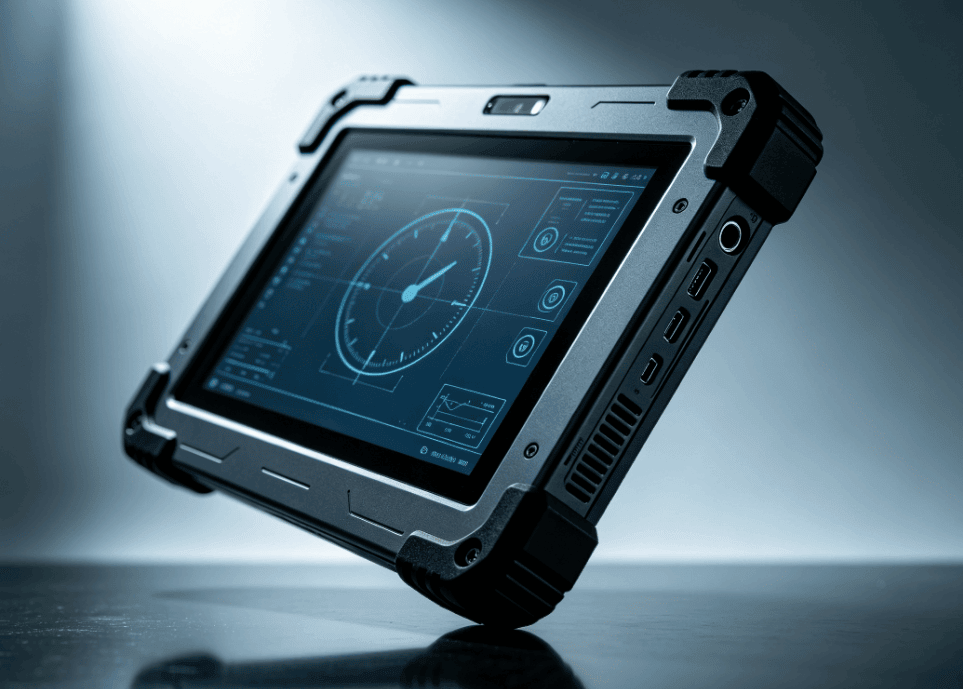
A tablet is useless in the field if the user cannot read the data. Standard tablets reflect sunlight, making the screen appear black. Harsh-environment tablets solve this through:
- High Nit Brightness: While an iPad might reach 500-600 nits, industrial displays often hit 1,000 to 1,500 nits.
- Optical Bonding: This process fills the air gap between the touch layer and the LCD with a clear resin. This eliminates internal reflections and increases contrast significantly.
- Glove and Rain Touch: Capacitive screens usually fail when wet or used with gloves. Rugged tablets utilize specialized controllers that can differentiate between a conductive finger and a raindrop, allowing for uninterrupted operation in a storm.
Comparison: Consumer vs. Rugged Tablet Engineering
| Feature | Consumer Tablet | Harsh Environment Tablet |
| Chassis Material | Plastic or thin Aluminum | Magnesium Alloy or Reinforced Polycarbonate |
| Cooling | Active Fan or limited throttling | Passive Heat Dissipation (Fanless) |
| Touchscreen | Standard Glass (Brittle) | Chemically Strengthened (Gorilla Glass) + Bonding |
| Ports | Exposed | Sealed with Gaskets/Plugs |
| Battery | Fixed Internal | Hot-swappable for 24/7 operation |
Connectivity in Remote Environments
Harsh environments are often “edge” environments—far from stable Wi-Fi. A tablet designed for these areas must integrate:
- Dedicated GPS: Not just A-GPS (Assisted GPS) which relies on cell towers, but dedicated GNSS modules for sub-meter accuracy in remote surveying.
- Dual-SIM LTE/5G: For continuous connectivity across different carrier zones.
- External Antenna Passthroughs: For tablets mounted inside vehicles, allowing the device to connect to high-gain external antennas on the roof.
Battery Reliability and Safety
In extreme cold, lithium-ion batteries lose capacity rapidly. In extreme heat, they can swell. Tablets for harsh environments often include:
- Internal Heaters: To warm the battery before charging in sub-zero temperatures.
- Hot-Swappable Design: Allowing the user to change batteries without powering down the device, essential for long shifts in the field.
- C1D2/ATEX Certification: In “Explosive Atmospheres” (like oil rigs or chemical plants), the tablet must be “Intrinsically Safe,” meaning it cannot produce a spark even if it fails electrically.
Determining the Right Fit for Your Industry
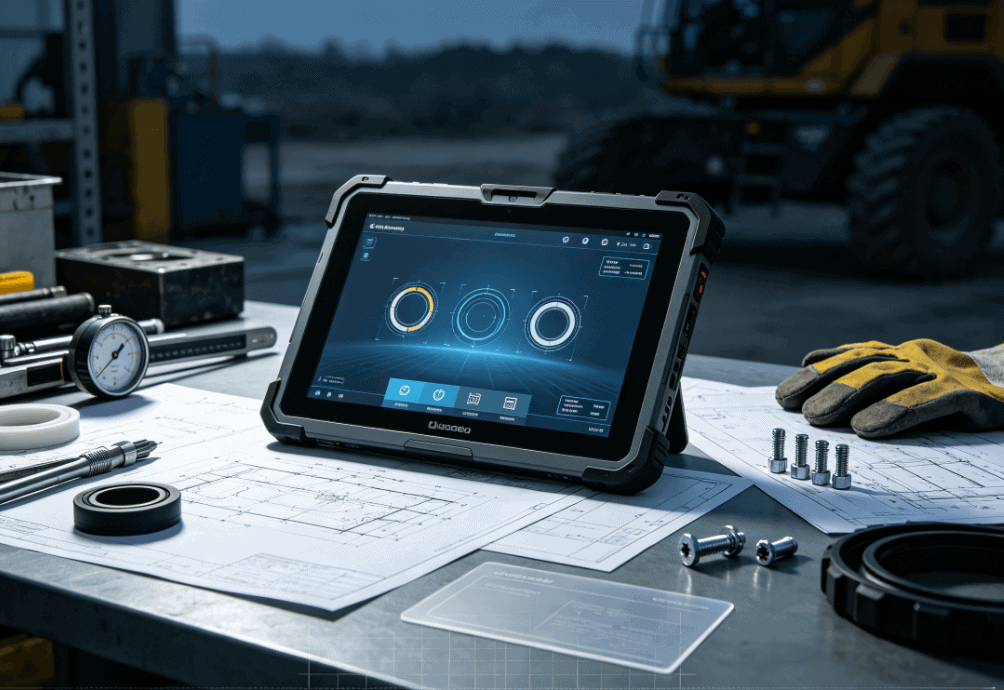
When evaluating rugged tablets, the “right” device depends on the specific environmental stressor. A tablet designed for a clean-room pharmaceutical plant (where chemical resistance to bleach is key) looks very different from a tablet designed for a construction site (where impact and dust are the primary threats).
For project managers and engineers, the goal is to match the ISO or MIL-STD certification to the actual site conditions. Over-speccing leads to unnecessary weight and cost, while under-speccing leads to downtime.
FAQ
Q: Is “Rugged” the same as “Waterproof”?
A: No. “Rugged” is a general marketing term. “Waterproof” usually refers to an IP67 or IP68 rating. A rugged tablet might be shockproof but not necessarily submersible. Always check the IP rating for moisture concerns.
Q: Can I just put a consumer tablet in a heavy-duty case?
A: A case protects against minor drops, but it cannot fix internal issues. A case actually traps heat, which can lead to processor throttling or battery swelling in industrial settings. It also doesn’t provide the sunlight readability or the port sealing required for true harsh environment use.
Q: What is the difference between MIL-STD-810G and 810H?
A: 810H is the newer version of the standard (released in 2019). It includes more rigorous testing procedures for shocks and vibrations, better reflecting modern transportation and field conditions.
Q: Do rugged tablets support specialized industrial ports?
A: Yes. Unlike consumer devices, industrial tablets often feature physical RS-232 (serial) ports, RJ45 Ethernet, and specialized Pogo-pin connectors for secure docking and data transfer.
Reference Sources
- IEC 60529: Degrees of protection provided by enclosures (IP Code). Official Standard
- MIL-STD-810H: Department of Defense Test Method Standard for Environmental Engineering Considerations and Laboratory Tests. U.S. DoD Documentation
- The Society of Automotive Engineers (SAE): For vibration and electromagnetic interference (EMI) standards in vehicular environments.
- ATEX/IECEx: Standards for equipment used in explosive atmospheres. IECEx Official Site