

Android vs Windows Rugged Tablets: A Technical OS Comparison

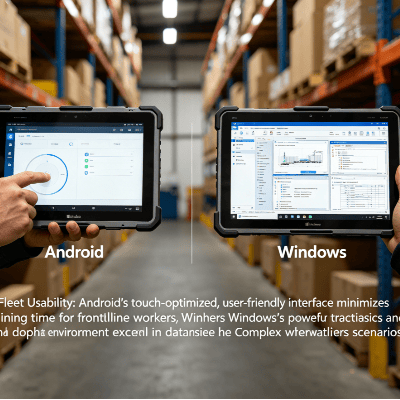
The decision between Android and Windows for a rugged tablet deployment is rarely a matter of personal preference; it is a strategic engineering choice. This decision dictates the long-term viability of software workflows, peripheral compatibility, and the Total Cost of Ownership (TCO).
While consumer markets have shifted heavily toward mobile-first operating systems, the industrial sector remains split. Modern enterprise environments require devices that balance mobility with heavy-duty computational power. Understanding the trade-offs between these two ecosystems is essential for project managers overseeing logistics, manufacturing, or hazardous field operations.
Architectural Foundations: ARM vs. x86
The fundamental difference between these two tablet types begins at the silicon level. Most Android rugged tablets operate on ARM architecture, while Windows rugged tablets typically utilize Intel or AMD (x86) processors.
- Android (ARM): Designed for high power efficiency. These devices excel in mobile workflows where battery longevity is prioritized over raw processing power. The architecture allows for “Instant-On” capabilities and sleeker profiles.
- Windows (x86): Built for high-performance computing. x86 architecture is required for running full-featured desktop applications, such as CAD software, complex GIS mapping, and legacy ERP clients that have not yet transitioned to web-based interfaces.
Choosing an OS without auditing your current software architecture is a common procurement error. If your enterprise relies on proprietary .exe software or complex drivers for specialized sensors, a Windows-based system is often the only viable path.Software Ecosystem and Legacy Support
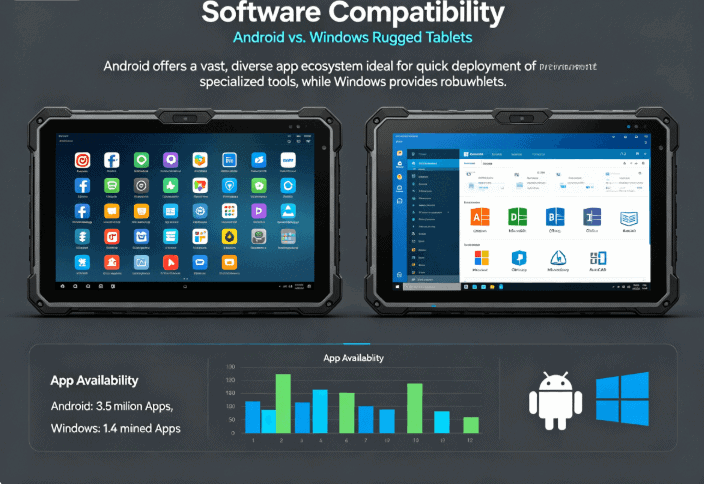
The software environment remains the primary driver for OS selection. Windows has the advantage of “backward compatibility,” while Android offers “app-centric” agility.
- Windows Ecosystem: The primary advantage of Windows is its ability to run legacy software. Many industrial machines are controlled by specialized software developed decades ago. Windows rugged tablets integrate seamlessly into existing Windows Server environments, utilizing Active Directory and BitLocker for enterprise-grade security.
- Android Ecosystem: Android has matured into a powerful enterprise contender through the “Android Enterprise” program. It is the preferred choice for tasks like barcode scanning, inventory management, and proof-of-delivery applications. Developers can build lightweight, intuitive apps that require minimal training for the end-user.
Comparison Table: Android vs. Windows Rugged Tablets
The following table breaks down the critical performance metrics engineers and procurement officers must evaluate.
| Feature | Android Rugged Tablets | Windows Rugged Tablets |
| Processor Type | ARM (Qualcomm, MediaTek) | x86 (Intel Core, Celeron) |
| Battery Life | Typically 10–15 hours | Typically 6–10 hours |
| Software Format | APK / Web-based | .EXE / .MSI / Full Desktop |
| Security Support | Google Play Protect / MDM | Windows Hello / BitLocker / NIST |
| Peripheral Support | Limited / Bluetooth-focused | Extensive (USB-A, Serial, Ethernet) |
| Initial Cost | Lower to Moderate | Moderate to High |
Manageability and Security Protocols
In large-volume production and global logistics, the ability to manage a fleet of devices remotely is non-negotiable.
Manageability:
Android utilizes Mobile Device Management (MDM) platforms (e.g., SOTI, AirWatch) to lock down devices into “Kiosk Mode” or “Single-App Mode.” This prevents users from accessing non-work-related functions. Windows devices are typically managed through Microsoft Endpoint Manager (Intune), allowing IT departments to push updates and security patches using the same tools they use for office laptops.
Security:
Windows is often perceived as the more secure option for high-level data encryption due to its long history in corporate environments. However, Android’s sandboxing architecture—where each app runs in its own isolated environment—offers robust protection against cross-application malware. For highly regulated industries like medical or defense, both platforms offer models that meet strict regulatory certifications.
Hardware Durability and Interface Logic
Regardless of the OS, the “rugged” aspect is defined by standards like MIL-STD-810G/H and IP Ratings (IP65, IP67). However, the OS influences how the hardware is used in the field.
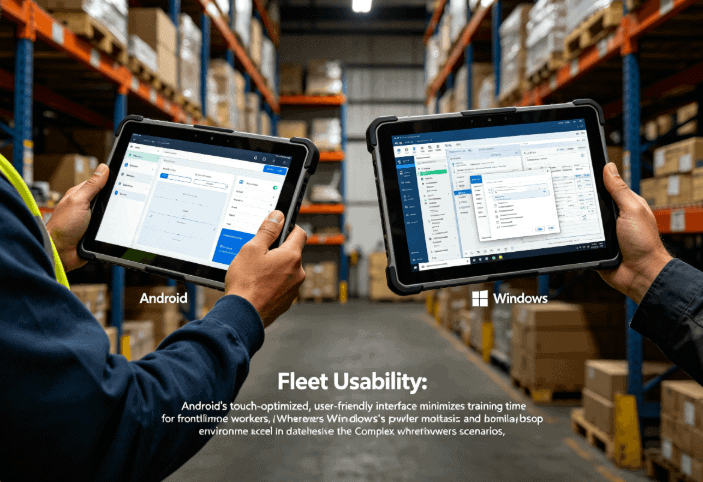
- Android Interface: Designed for touch and gesture. This makes it ideal for workers wearing gloves, as the UI elements are generally larger and more intuitive.
- Windows Interface: While Windows 11 has improved touch-friendliness, it still inherently expects a mouse and keyboard for many deep-system tasks. Windows tablets often require a “detachable keyboard” or “active stylus” for precise data entry in the field.
In outdoor applications, screen brightness (measured in nits) is a critical factor. High-quality rugged tablets from manufacturers listed in the rugged tablet categoryoften feature 800+ nit displays to ensure visibility in direct sunlight, regardless of whether they run Android or Windows.
Total Cost of Ownership (TCO) Considerations
When evaluating the commercial aspect, the purchase price is only one part of the equation.
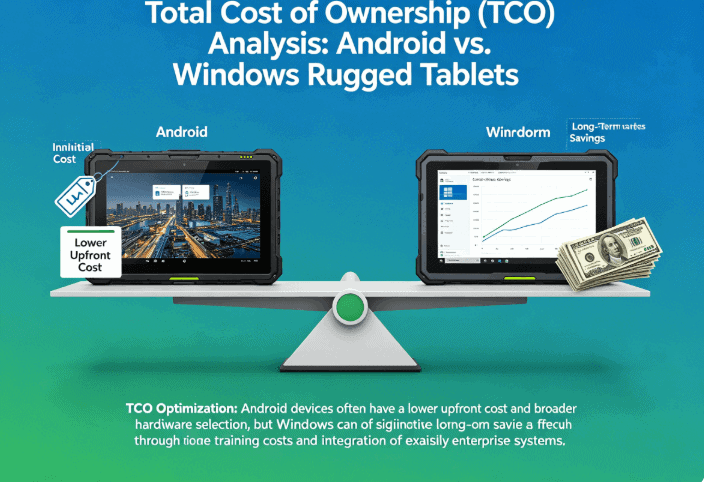
- Android TCO: Generally lower upfront cost. However, the “version fragmentation” of Android can be a risk. If your software requires a specific Android version, hardware refreshes may be necessary sooner than expected unless you source from an OEM that guarantees long-term OS support.
- Windows TCO: Higher initial investment. However, the hardware often has a longer useful life (5–7 years) because Windows 10/11 LTSC (Long-Term Servicing Channel) provides a stable, unchanging OS environment for critical industrial applications.
FAQ
Which OS is better for outdoor field work?
Android often has the edge in mobility and battery life, which is crucial for long shifts away from charging ports. However, if the field work involves complex schematics or heavy multi-tasking, Windows provides the necessary desktop power.
Can Windows rugged tablets run Android apps?
With Windows 11, there is native support for some Android apps via the Amazon Appstore. However, for industrial-grade reliability, it is always recommended to run apps natively on their designed OS to avoid latency and driver conflicts.
How do IP65 and IP67 ratings affect my choice?
IP ratings are independent of the OS. An IP65 rating protects against dust and water jets, while IP67 allows for temporary immersion. Your environmental constraints (rain, dust, humidity) should dictate the hardware shell, while your workflow dictates the OS.
Is it easier to customize hardware for Android or Windows?
Android is generally easier for OEMs to customize at the kernel level for specialized hardware like built-in RFID readers or thermal cameras. Windows relies on standard driver protocols, which is easier for connecting third-party USB peripherals.
Reference Sources
- NIST (National Institute of Standards and Technology): Guide to Enterprise Telework, Remote Access, and BYOD Security
- MIL-STD-810H: Environmental Engineering Considerations and Laboratory Tests
- ISO/IEC 27001: Information Security Management Systems Standards
- IEEE: Technical Standards for Industrial Wireless Communications